



To achieve quick video editing, uninterrupted 3D rendering, and astonishing animation performance, a robust CPU is a must-have. The digital artists of today have their requirements of faster showing, quicker exporting, and better multitasking. At Jazz Cyber Shield, we deliver 100% new CPUs having clean serials, hence, you always acquire trustworthy and real processors suited for your workstation.
Why the Right CPU Matters for Creators
The processor stress level battery life, and render time as well as overall workflow. Not only that, but video editing applications also rely on CPU cores to a great extent. Furthermore, the rendering engines such as Blender utilize every thread that your system can offer. Besides, the animation tools are smoother when there are background tasks managed by the CPU without causing a slowdown.
Top 7 Best CPUs for Video Editing, 3D Rendering and Animation
1. Intel Core i9-14900K – for High-End Editing
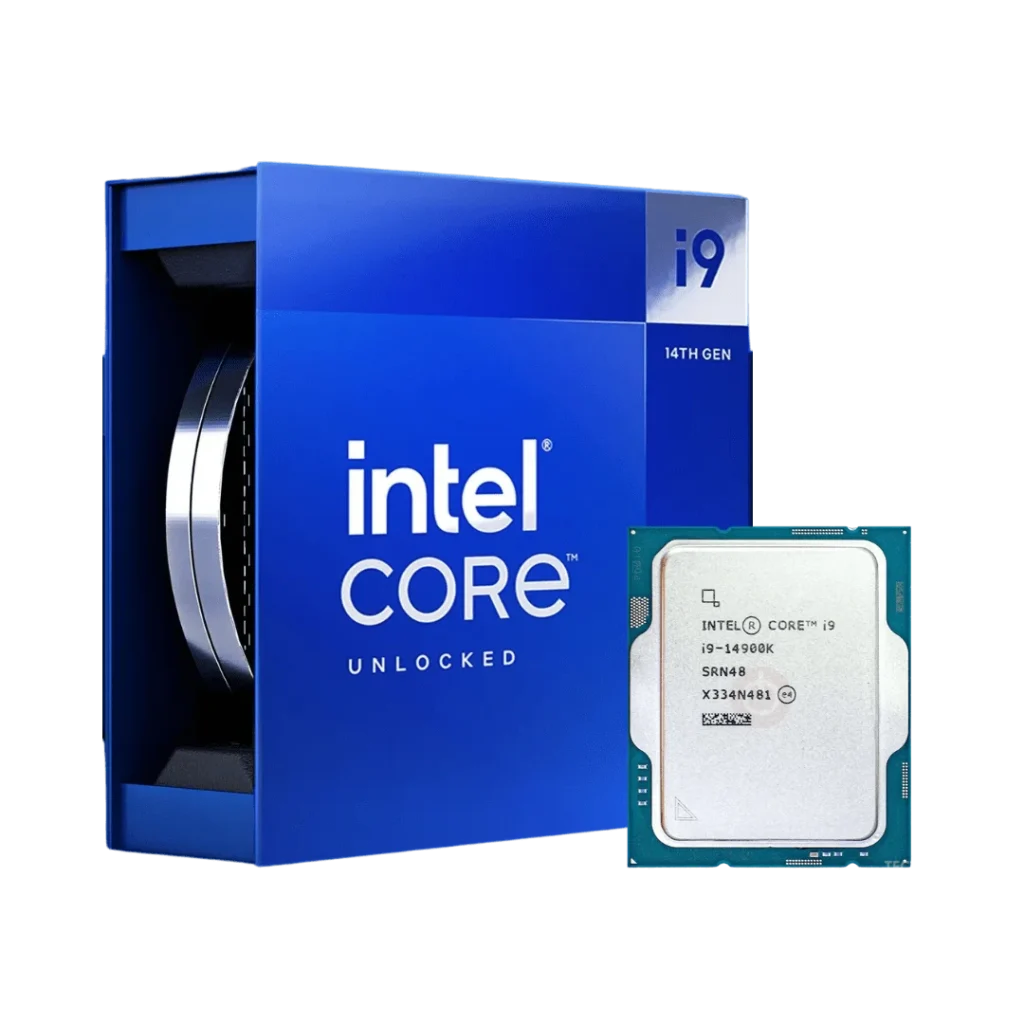
The i9-14900K Intel CPU, no doubt, is super-fast and can edit 4K and 8K without any hang-ups. In addition, it can challenge and win with the hardest tasks of After Effects with no hassle. It can be compared in the same manner since it gives high clocks for processors so that the previews are real-time. Not to mention, this whole thing is done with the help of a multiprocessor system that is also getting the benefits of hybrids.
- Best for: Premiere Pro, DaVinci Resolve, After Effects
- Key Specs: 24 cores, 32 threads, boost up to 6.0 GHz
- Why Buy from Jazz Cyber Shield: 100% authentic, with clean serials, best prices.
2. AMD Ryzen 9 9950X – for Rendering & Animation
The Ryzen 9 9950X has made the great performance in multi-core application unmatched. Also, it entirely wears off long render queues. In addition, both, Blender Cycles and V-Ray fall on this chip very smoothly. Added advantage is that it is still power-efficient
- Best for: Blender, Maya, Cinema 4D
- Key Specs: 16 cores, 32 threads
- Ideal for: GPU + CPU hybrid render setups.
3. Intel Core i7-14700K – for Mid-Range Editing
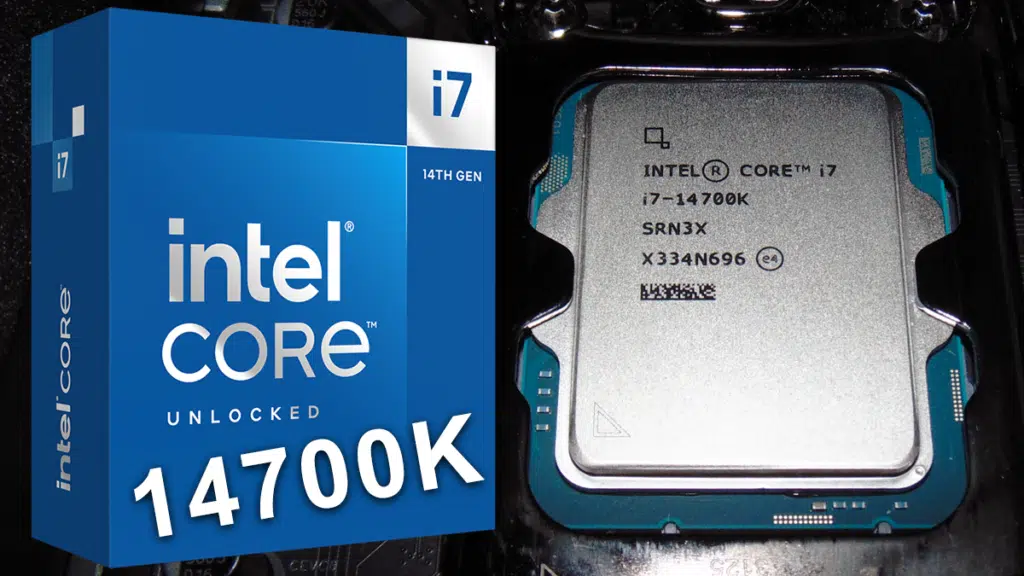
The i7-14700K is the least expensive of the high performers. But still, it is able to deliver smooth editing. The higher frequency of the chip is a huge advantage in color grading and less experienced content creators will find it even more helpful.
- Best for: 4K editors with limited budgets
- Key Specs: 20 cores, 28 threads
4. AMD Ryzen 7 9700X – for Creators
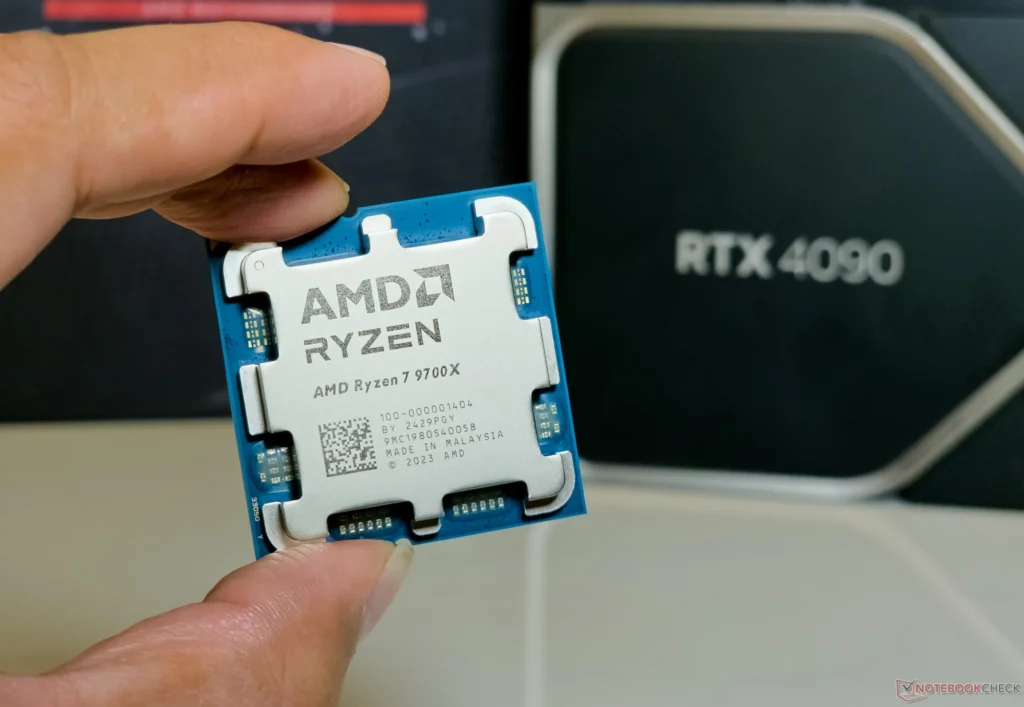
The Ryzen 7 9700X is perfect for small studio setups. To add more, it handles animation playback wonderfully. Moreover, the time taken to render the medium-complexity scenes will not be much. And the cost is reasonable, also smart regarding energy consumption.
- Best for: Freelancers and beginner animators
- Key Specs: 8 cores, 16 threads
5. Intel Core i5-14600K – Most Affordable CPU for Video Editing
The i5-14600K processor is, in fact, a very good and fast one for beginners. Its core count may not be that high compared to the others, yet it still leads the race in terms of performance with editing software. Generally speaking, a novice will love its competency and at the same time, it will be the best choice for a mid-range graphics card.
- Best for: 1080p and beginner 4K editors
- Key Specs: 14 cores, 20 threads
6. AMD Threadripper 7970X – for Professional Studios
The Threadripper 7970X is the best CPU for rendering a lot of power. It can also manage gigantic 3D projects. The visual effects and architecture industries rely on these kinds of chips. It is a beast, allowing you to work with an incredible amount of data without getting tired.
- Best for: Big render farms & VFX studios
- Key Specs: 32 cores, 64 threads
7. Apple M3 Max (Mac Only) – for Mobile Editing
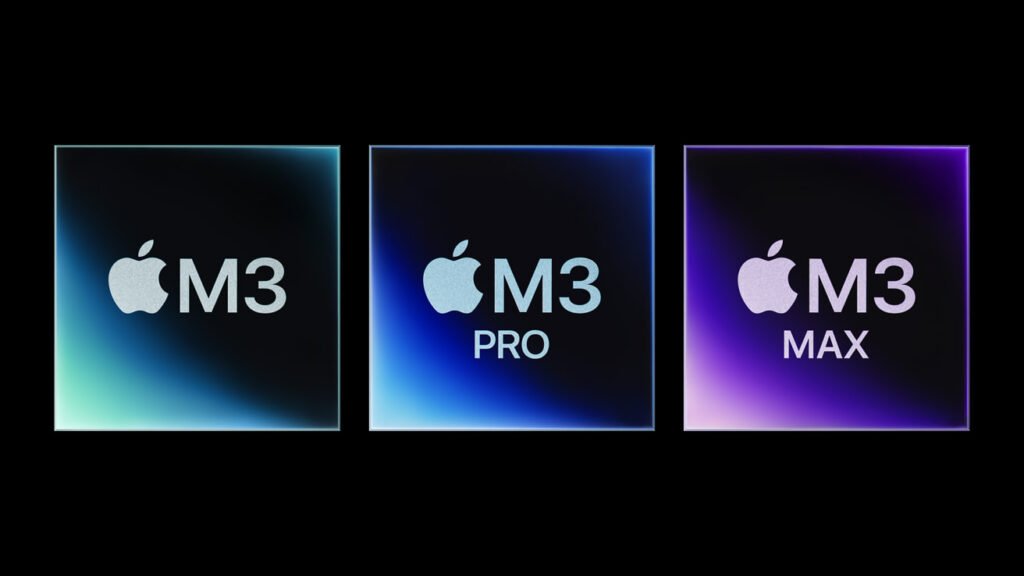
M3 Max is a mighty chip for the creators on-the-go. Besides, it performs Final Cut at a lightning-fast speed. Moreover, it is the fastest in terms of export, even compared to many desktop CPUs. Finally, it has a strong AI algorithm for 3D tools that helps with the quality.
- Best for: Mobile video editors, Mac users
- Key Specs: 40-core GPU, strong NPU
What CPU to Pick?
Selecting one is dictated by your routine.
- In the case of video editing: Select a processor with high clock speed (Intel i9/i7).
- For 3D rendering: Opt for a CPU with a higher number of cores (either Ryzen 9 or Threadripper).
- In animation: Go for CPUs with balanced performance (Ryzen 7 or i7/i5).
Also, make sure that your CPU is a real one always. Moreover, the creators need stable hardware. Thus, it is better to buy from retailers like Jazz Cyber Shield, where you get 100% new with clean serials.
Conclusion
Selecting the appropriate CPU will enhance the speed and quality of your creative work. In addition, upgrading will also assure better results. Furthermore, the selection of the right processor will triple the output. At last, by purchasing from Jazz Cyber Shield, you will get not only new products but also clean serials and trusted quality.


Really informative read. I appreciate how you compared both performance and value across different CPUs. Makes the decision process so much easier for creatives.
Insightful and practical! I love how you covered use cases for video editing, 3D rendering, and animation separately—super useful to know what kind of CPU suits my exact needs.
Very well done! The way you explained trade-offs between clock speed and core count for different workloads was spot on. This is going to help me pick a CPU for my next project.
Super useful info!
Great guide! The section on multi-core performance for animation and rendering was very insightful. Exactly what I needed to understand the hardware requirements.