



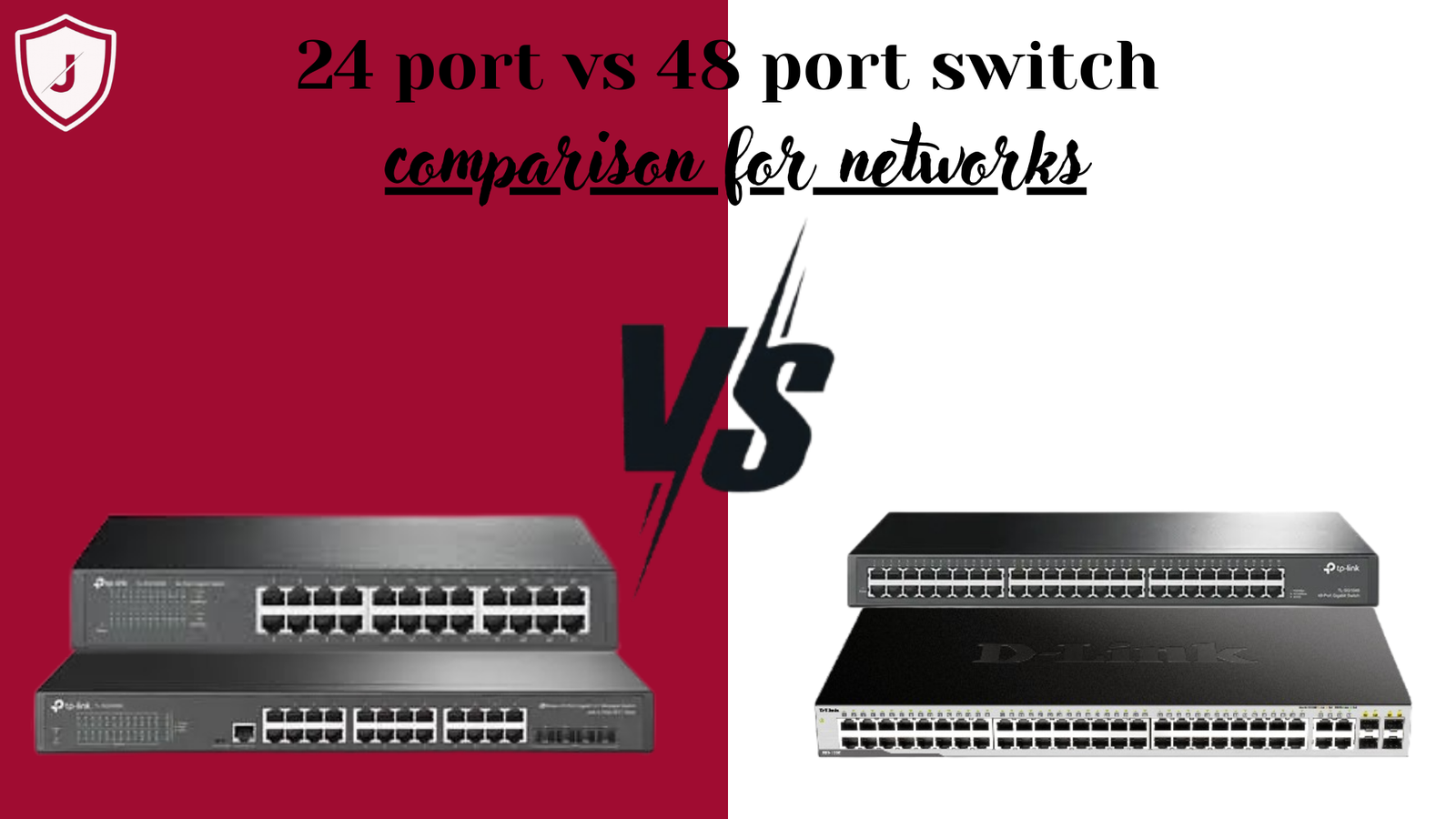
Choosing the right network switch is critical for business & enterprise networks. However, many user feel confused when deciding between a 24 port switch and a 48 port switch. Moreover, both option look similar at first glance. Therefore, understanding the real differences help avoid overspending or under scaling your network. As network grow in size and speed the right switch choice improve performance, scalability and reliability.
This guide explain the difference between 24 port and 48 port switches in detail. Additionally, it cover performance, scalability, cost, power usage and real world use cases. Most importantly, it help you choose the right option base on actual needs.
What Is a Network Switch?
A network switch connect multiple devices within a local network. For example, it link computers, printers, servers and access points. Moreover, it manage traffic efficiently between devices. Unlike hubs, switches send data only where needed. Therefore, they reduce congestion & improve network speed.
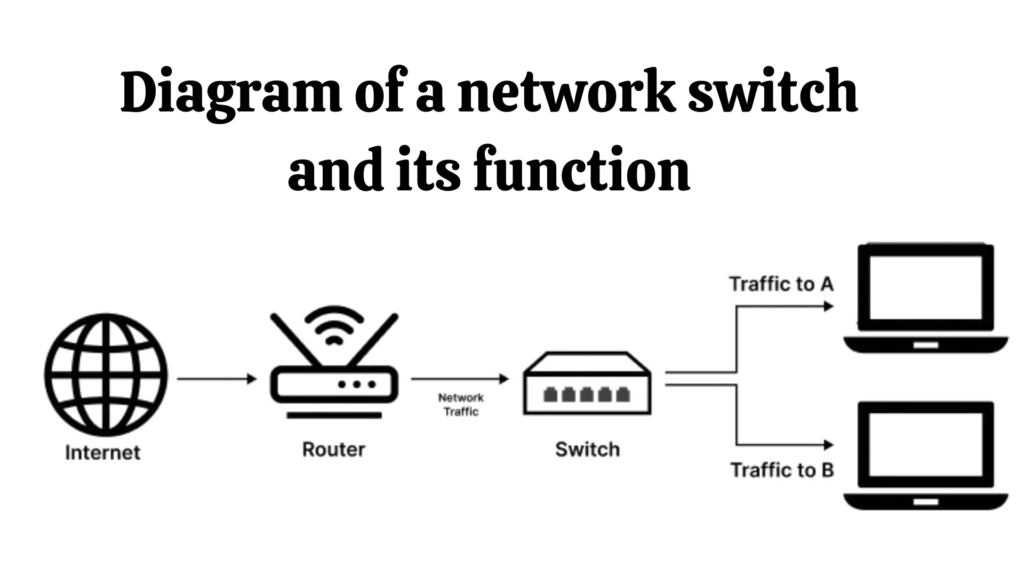
Switches come in different sizes. However, port count remain biggest difference for most buyer. As a result, understanding port requirement become essential before making a decision.
What is a 24 Port Switch?
A 24 port switch provides twenty four Ethernet port. Therefore, it connects up to 24 wired devices at the same time. Moreover, it suit small to medium networks. Because of its compact size, it fits well in smaller racks or offices.
Additionally, a 24 port switch often consume less power. In the result, it runs cooler and costs less to operate. Therefore, many small business and home offices choose this option for reliability and efficiency.
Common use of a 24 port switch include:
- Small offices
- Retail stores
- Home labs
- Branch offices
What is a 48 Port Switch?
A 48 port switch offer double the connection capacity. Therefore, it support up to 48 wired devices simultaneously. Moreover, it target large offices, data centers and enterprise environments. Because of its higher port density, it reduce need for multiple switches.
Additionally, a 48 port switch simplifies cable management. In the result, network administrator manage fewer devices. Therefore, large organization prefer this option for centralize networking.
Common use of a 48 port switch include:
- Corporate offices
- Data centers
- Schools and universities
- Large enterprise networks
Main Difference Between 24 Port and 48 Port Switch
The biggest difference lies in port capacity. However, other factor also matter. For example, power usage, size and cost differ significantly. Moreover, scalability play a major role in long term planning.
A 24 port switch support smaller setup. In contrast, a 48 port switch support growing or high density networks. Therefore, choosing between them depend on current and future network size.
Performance and Network Traffic
Both switch types deliver similar performance per port. However, traffic handling differ at scale. For example, a 48 port switch manages higher total throughput. Moreover, it handle more simultaneous connections efficiently.
Additionally, modern switches include feature like VLANs and Quality of Service. In the result, both 24 and 48 port switches perform well in managed environment. Therefore, port count affect scale, not individual port speed.
Scalability and Future Expansion
Scalability matter when planning network growth. A 24 port switch work well for stable environment. However, it limit expansion. Moreover, adding more devices later require additional switches.
On the other hand, a 48 port switch offer room to grow. Therefore, business add user and devices without changing hardware. As a result, long term costs decrease despite higher upfront pricing.
Power Consumption and Heat Output
Power usage differs between these switches. A 24 port switch use less electricity. Therefore, it generate less heat. Moreover, it work well in offices without dedicated cooling.
A 48 port switch consume more power. However, it replace multiple smaller switches. In the result, total energy use may balance out. Therefore, energy planning matter when choosing larger switches.
Cost Comparison
Cost remain a deciding factor. A 24 port switch costs less initially. Moreover, maintenance expenses remain lower. Therefore, small organization prefer this option.
A 48 port switch cost more upfront. However, it reduce the need for future purchases. In the result, it offer better value for growing network. Therefore, long term planning determines which option cost less overall.
Physical Size and Rack Space
Rack space matter in professional environments. A 24 port switch occupies less space. Therefore, it fits smaller racks easily.
A 48 port switch take more rack space. However, it replace two smaller switches. In the result, it still reduce clutter. Therefore, space efficiency depend on network design.
Use Case Comparison
Choosing the right switch depends on usage. Consider these factor before deciding:
Choose a 24 port switch if you need:
- A small or stable network
- Lower upfront cost
- Reduced power usage
Choose a 48 port switch if you need:
- High device density
- Future expansion
- Simplified network management
Managed vs Unmanaged Switches
Both 24 and 48 port switches come in managed and unmanaged version. Unmanaged switches work immediately. Therefore, they suit basic network.
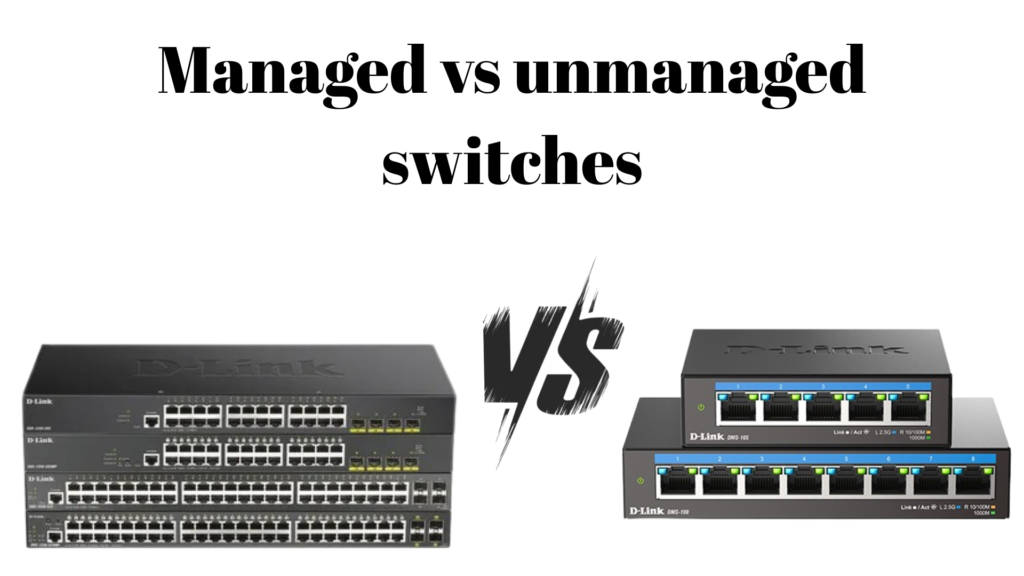
Managed switches offer advanced features. Moreover, they allow traffic control and security setting. In the result, businesses often choose managed model regardless of port count.
Which Switch is Better for Your Network?
There is no exact answer. However, network size and growth plan matter most. If your network stay small, a 24 port switch work well. However, if expansion is expected, a 48 port switch save time and money later.
Therefore, analyze current need and future goal before deciding. Proper planning avoid unnecessary upgrade and downtime.
Conclusion
The difference between a 24 port & 48 port switch come down to capacity, scalability & cost. While both deliver reliable performance, they serve different network size. Therefore, choosing the right switch improve efficiency and long term value.
Understanding your network today and tomorrow ensure the best decision. As network continue to grow, the right switch choice become more important than ever.
5 FAQs
1. Is 48 port switch better than 24 port switch?
Not always. A 48 port switch better for large or growing network. Moreover, a 24 port switch work well for small setup.
2. Can I connect fewer device to a 48 port switch?
Yes. You use only ports you need. Unused ports do not affect performance.
3. Does a 48 port switch consume more power?
Yes. It generally use more power. However, it replace multiple smaller switches.
4. Which switch is better for small businesses?
Most small business prefer a 24 port switch. Moreover, growing business benefit from a 48 port switch.
5. Are 24 port and 48 port switches equally fast?
Yes. Port speed depend on switch specification, not number of ports.


Your article on What is the difference between 24 port and 48 port switch? was very well explained and easy to follow. I liked how you broke down the technical differences and, more importantly, the practical scenarios where each option makes sense. The section about scalability and planning for future network growth was particularly helpful—it’s something many people overlook when making a purchase. I also appreciated your insights on cost versus performance, which really put things into perspective. Excellent work, Jazz Cyber Shield! This guide is a brilliant resource for businesses and IT professionals alike.