



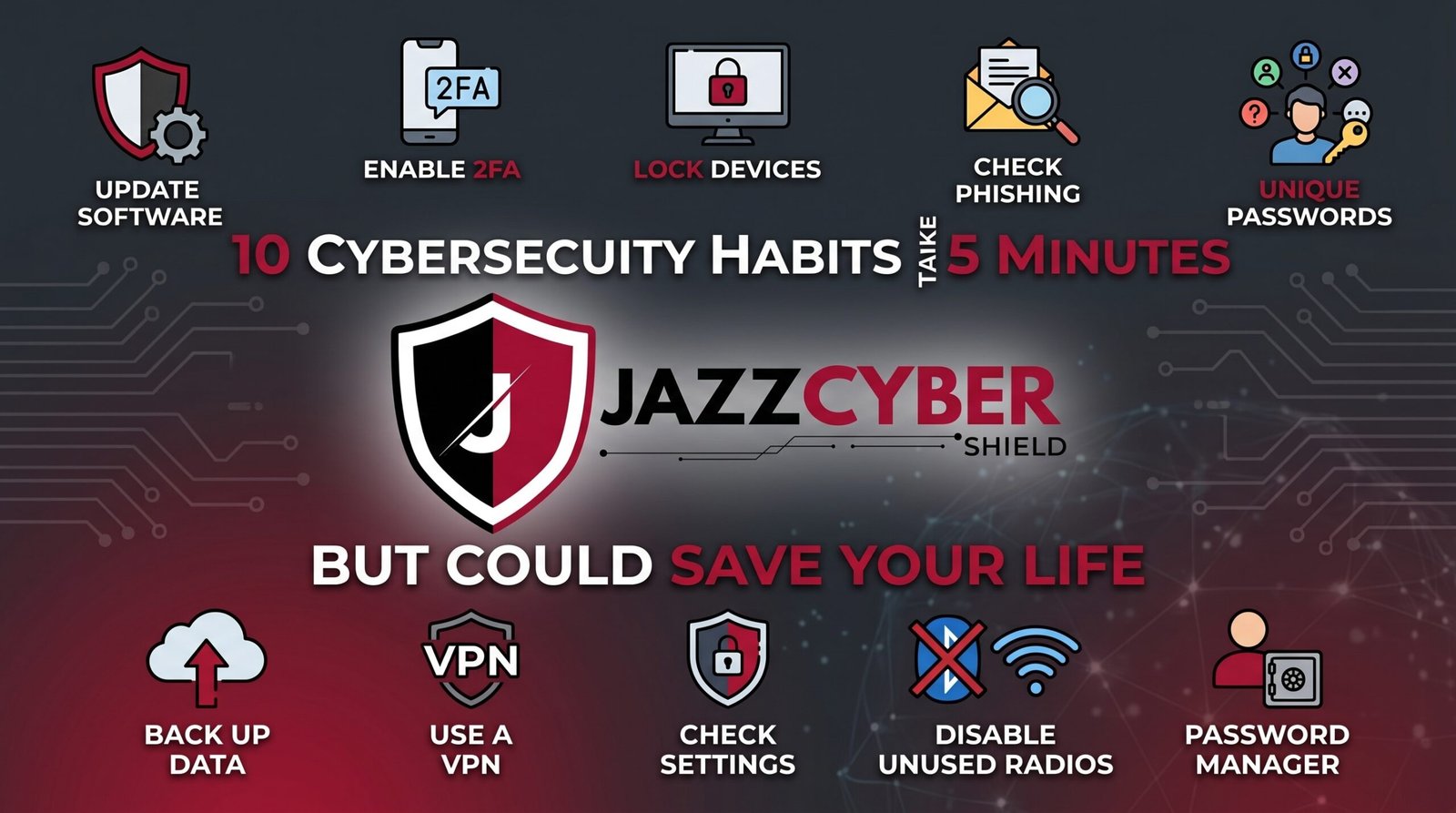
The Small Stuff That Stops the Big Disasters
These ten cybersecurity habits take less time than your morning coffee gets cold — and together they eliminate the vast majority of real-world risk.
A nurse in Ohio almost lost her entire retirement savings because she clicked one link in a text message claiming to be from her bank. She caught it with seconds to spare, only because she’d recently started checking sender details before clicking anything — a habit that took her five minutes to build and nearly saved her financial future in a single moment.
That’s the real story of cybersecurity. It’s rarely about expensive software or technical expertise. It’s about small, repeatable habits that close the gaps attackers count on. The nurse didn’t become a security expert. She just built one habit that mattered.
This guide covers ten cybersecurity habits, each one taking five minutes or less, that collectively put you ahead of the vast majority of people online. None of them require technical skill. All of them work.
Table of Contents
Why These Cybersecurity Habits Matter in 2026
A cyberattack happens every 39 seconds somewhere in the world. Most of them don’t succeed because of sophisticated hacking — they succeed because of small, predictable human gaps: a reused password, an unchecked link, a skipped update.
The cybersecurity habits that actually protect people aren’t complicated. They’re the same handful of small actions, repeated consistently, that close those predictable gaps before an attacker can exploit them.
⚠️ ALERT: Verizon’s Data Breach Investigations Report has found year after year that the majority of confirmed breaches involve a human element — phishing, stolen credentials, or simple oversight. Technology helps, but consistent cybersecurity habits close the gap technology alone can’t. Read the full Verizon DBIR (opens in new tab)
The good news: none of these ten cybersecurity habits require a security degree or a big budget. They require five minutes and a little consistency. Here they are, in the order that delivers the fastest risk reduction.
Habit 1-3: Account Protection Basics
These three cybersecurity habits protect the front door to your digital life — your accounts.
Habit 1: Enable Two-Factor Authentication on Your Email
Your email account is the recovery key for almost every other account you own. Enabling two-factor authentication takes about five minutes and blocks over 99.9% of account takeover attempts, according to Microsoft’s security research. Do this one first, before anything else on this list.
Habit 2: Use a Unique Password for Your Most Important Accounts
You don’t need to fix every password today. Start with email, banking, and any account tied to money. A password manager like Bitwarden generates and remembers unique passwords for you in seconds.
Habit 3: Check If Your Email Has Been in a Data Breach
Visit haveibeenpwned.com, enter your email address, and see instantly whether your information has appeared in a known data breach. If it has, change that specific password immediately — and anywhere else you reused it.
ACCOUNT PROTECTION — TIME REQUIRED
━━━━━━━━━━━━━━━━━━━━━━━━━━━━━━━━━━━
Habit 1: Enable 2FA on email        │ 5 minutes
Habit 2: Unique password (top 3)    │ 5 minutes
Habit 3: Check Have I Been Pwned    │ 2 minutes
━━━━━━━━━━━━━━━━━━━━━━━━━━━━━━━━━━━
TOTAL TIME: Under 15 minutes
IMPACT: Eliminates majority of account takeover risk
━━━━━━━━━━━━━━━━━━━━━━━━━━━━━━━━━━━
Habit 4-6: Email and Phishing Defense
Email remains the number one delivery method for cyberattacks. These cybersecurity habits build the instinct to catch phishing before it costs you anything.
Habit 4: Hover Before You Click
Before clicking any link in an email or text, hover over it (or long-press on mobile) to see the actual destination URL. If it doesn’t match what the message claims, don’t click. This single habit catches the majority of phishing attempts instantly.
Habit 5: Verify Unusual Requests by Phone
If you get an email or text claiming to be your bank, your boss, or a government agency asking for urgent action — money transfers, password resets, personal information — call the organization directly using a number from their official website. Never use a number or link provided in the suspicious message itself.
Habit 6: Never Enable Macros in Unexpected Documents
If you receive a Word document or spreadsheet via email and it asks you to “Enable Editing” or “Enable Content” to view it properly, close it. This is one of the most common ways malware spreads through email attachments.
🔴 WARNING: Microsoft’s threat intelligence team has specifically called out malicious macro-enabled documents as a persistent delivery method for malware including Emotet and QakBot. The “Enable Content” prompt itself should be treated as a red flag in any unsolicited document. Read Microsoft’s threat intelligence research (opens in new tab)
Habit 7-9: Device and Network Hygiene
These cybersecurity habits protect the devices and network you use every day.
Habit 7: Turn On Automatic Updates
Five minutes spent enabling automatic updates on your phone, computer, and apps means security patches install themselves the moment they’re released — no remembering required, no delayed patching window for attackers to exploit.
Habit 8: Change Your Router’s Default Admin Password
If you haven’t already done this, it takes about five minutes and closes one of the most commonly exploited vulnerabilities on home networks. Attackers maintain lists of default router passwords by manufacturer and model. Our guide on router settings you must change covers the full list worth reviewing.
Habit 9: Lock Your Devices With a PIN, Password, or Biometric
An unlocked phone or laptop left unattended is an open door. Set a PIN, password, or fingerprint/face lock on every device, and set the auto-lock timer to a reasonable interval — 30 seconds to a minute for phones, a few minutes for laptops.
For households or businesses wanting visibility into what’s actually connecting to their network, a proper firewall extends these basic hygiene habits with real traffic inspection and threat blocking that no individual device setting can match.
Habit 10: The One Most People Skip
Habit 10: Back Up Your Important Files
This is the cybersecurity habit with the highest long-term payoff and the lowest adoption rate. A simple cloud backup (OneDrive, Google Drive) or an external drive means ransomware, device failure, or accidental deletion doesn’t mean permanent loss.
Set it up once — most cloud services back up automatically once configured — and you’ve eliminated one of the most devastating outcomes of nearly every cyberattack category: permanent data loss.
⚠️ ALERT: CISA specifically recommends regular data backups as a core defense against ransomware, noting that organizations and individuals with tested backups recover dramatically faster and never face the choice of paying a ransom. The five minutes spent enabling automatic backup is consistently the highest-leverage habit on this entire list. Read CISA’s backup and ransomware guidance (opens in new tab)
The Cybersecurity Habits That Have the Biggest Impact
Not all ten cybersecurity habits deliver equal protection. Here’s how they rank by real-world impact relative to the five minutes each one takes:
| Habit | Time Required | Risk Reduction | Priority |
|---|---|---|---|
| 2FA on email | 5 min | Very High | DO FIRST |
| Automatic backups | 5 min | Very High | DO FIRST |
| Unique passwords (top accounts) | 5 min | Very High | DO FIRST |
| Hover before clicking links | Instant habit | High | Build now |
| Automatic updates enabled | 5 min | High | DO TODAY |
| Router default password changed | 5 min | High | DO TODAY |
| Verify unusual requests by phone | Instant habit | High | Build now |
| Device lock screens enabled | 2 min | Medium-High | DO TODAY |
| Check Have I Been Pwned | 2 min | Medium | This week |
| Avoid macro-enabled documents | Instant habit | Medium | Build now |
Notice the pattern: the highest-impact cybersecurity habits are almost all one-time setup actions, while the supporting habits are ongoing instincts you build through repetition. Do the one-time setups first — they deliver protection immediately and permanently.
How to Build These Cybersecurity Habits Into Your Routine
Knowing these cybersecurity habits matters less than actually doing them. Here’s how to make sure they stick.
Block Out 30 Minutes This Weekend
Most of the one-time setup habits — 2FA, backups, password manager, router password — take five minutes each but add up to about 30 minutes total. Block out the time once, knock them all out, and you’re done with the setup phase permanently.
Set a Recurring Reminder for Ongoing Checks
Habit 3 (breach checking) benefits from a quarterly reminder. Set a calendar notification every three months to spend two minutes checking haveibeenpwned.com and reviewing your password manager’s security audit.
Practice the Instinct-Based Habits Consciously at First
Hovering before clicking and verifying unusual requests by phone aren’t one-time setups — they’re instincts you build through repetition. For the first few weeks, consciously pause before clicking any link in an email. It becomes automatic faster than you’d expect.
Share These Cybersecurity Habits With Your Household
A household is only as secure as its least careful member. Walk family members or coworkers through the same ten cybersecurity habits — particularly the phishing-related instincts, since one person’s click can compromise a shared network.
For Businesses: Make These Habits Organizational Policy
Individual habits matter, but businesses see the biggest impact when these become mandatory policy rather than personal choice — enforced 2FA, required password managers, and mandatory automatic updates across every employee device. For network-level protection that doesn’t depend on individual habits at all, browse our firewall collection — hardware-enforced security that protects everyone on the network simultaneously.
Quick Reference Checklist
Work through these ten cybersecurity habits in order — most take five minutes or less.
10 CYBERSECURITY HABITS CHECKLIST
━━━━━━━━━━━━━━━━━━━━━━━━━━━━━━━━━━━━━━━━━━━━━━━

ONE-TIME SETUP (DO THIS WEEKEND)
[ ] 1. Two-factor authentication enabled on email
[ ] 2. Unique passwords set for top 3-5 critical accounts
[ ] 3. Email checked at haveibeenpwned.com
[ ] 7. Automatic updates enabled on phone and computer
[ ] 8. Router default admin password changed
[ ] 9. Lock screen / PIN enabled on every device
[ ] 10. Automatic cloud backup configured

ONGOING INSTINCTS (BUILD THESE)
[ ] 4. Hover over links before clicking — every time
[ ] 5. Verify unusual requests by phone, not email reply
[ ] 6. Never enable macros in unexpected documents

MAINTENANCE
[ ] Quarterly breach check scheduled
[ ] Password manager security audit reviewed periodically
[ ] Household/team briefed on these same habits

━━━━━━━━━━━━━━━━━━━━━━━━━━━━━━━━━━━━━━━━━━━━━━━
Frequently Asked Questions
Q: Which of these cybersecurity habits should I do first if I only have five minutes today?
A: Enable two-factor authentication on your email account. It’s the single highest-impact action on this list because your email is the recovery method for nearly every other account you own. If an attacker can’t get into your email, they can’t use it to reset your other passwords.
Q: Do these cybersecurity habits really make a meaningful difference, or is it mostly symbolic?
A: They make a measurable, significant difference. Microsoft has stated that two-factor authentication alone blocks over 99.9% of account compromise attempts. Automatic backups eliminate the worst outcome of ransomware entirely. These aren’t symbolic gestures — they directly address the specific mechanisms attackers rely on to succeed.
Q: How do I get my family or coworkers to actually adopt these cybersecurity habits?
A: Make it concrete and personal rather than abstract. Walk through one or two specific examples — a real phishing email, a real account takeover story — rather than general warnings. Then physically sit down together and complete the one-time setup habits (2FA, backups, password manager) in the same session, since people are far more likely to finish something they’ve already started than something on a to-do list.
Q: Are there cybersecurity habits beyond these ten worth building?
A: These ten cover the highest-impact, lowest-effort actions for most individuals. Once you’ve built these, consider deeper steps like setting up network segmentation, reviewing app permissions on your phone, or using a VPN on public WiFi. Our guide on the hidden danger of public WiFi in 2026 covers that next layer in detail.
Q: How long does it actually take to build all ten of these cybersecurity habits?
A: The seven one-time setup habits take about 30-40 minutes total if you do them in one sitting. The three instinct-based habits (hovering before clicking, verifying unusual requests, avoiding macros) take a few weeks of conscious practice before they become automatic — but you’re protected by the setup habits immediately, even while the instincts are still forming.
Conclusion
These ten cybersecurity habits don’t require technical expertise, expensive software, or hours of your time. They require about thirty minutes of setup and a little consistency afterward — and together they eliminate the overwhelming majority of risk that actually affects regular people every day.
The nurse in Ohio who almost lost her retirement savings didn’t become a cybersecurity expert. She built one habit — checking sender details before clicking — and it mattered in the exact moment it needed to. That’s what these ten habits are designed to do: be ready before you need them.
Start this weekend. Block out thirty minutes, work through the one-time setups, and start practicing the instinct-based habits consciously until they become automatic. And if you’re protecting more than just personal accounts — a household network or a small business — pair these habits with real network-level protection. Browse our firewall collection to add hardware-enforced security that works even when a habit slips.
Related Reading
- Cybersecurity for Beginners: Everything You Need to Know in 2026
- How to Set Up Two-Factor Authentication on Every Account You Own
- The Complete Home Network Security Checklist for 2026
- Router Settings You Must Change Right Now
- The Hidden Danger of Public WiFi in 2026

