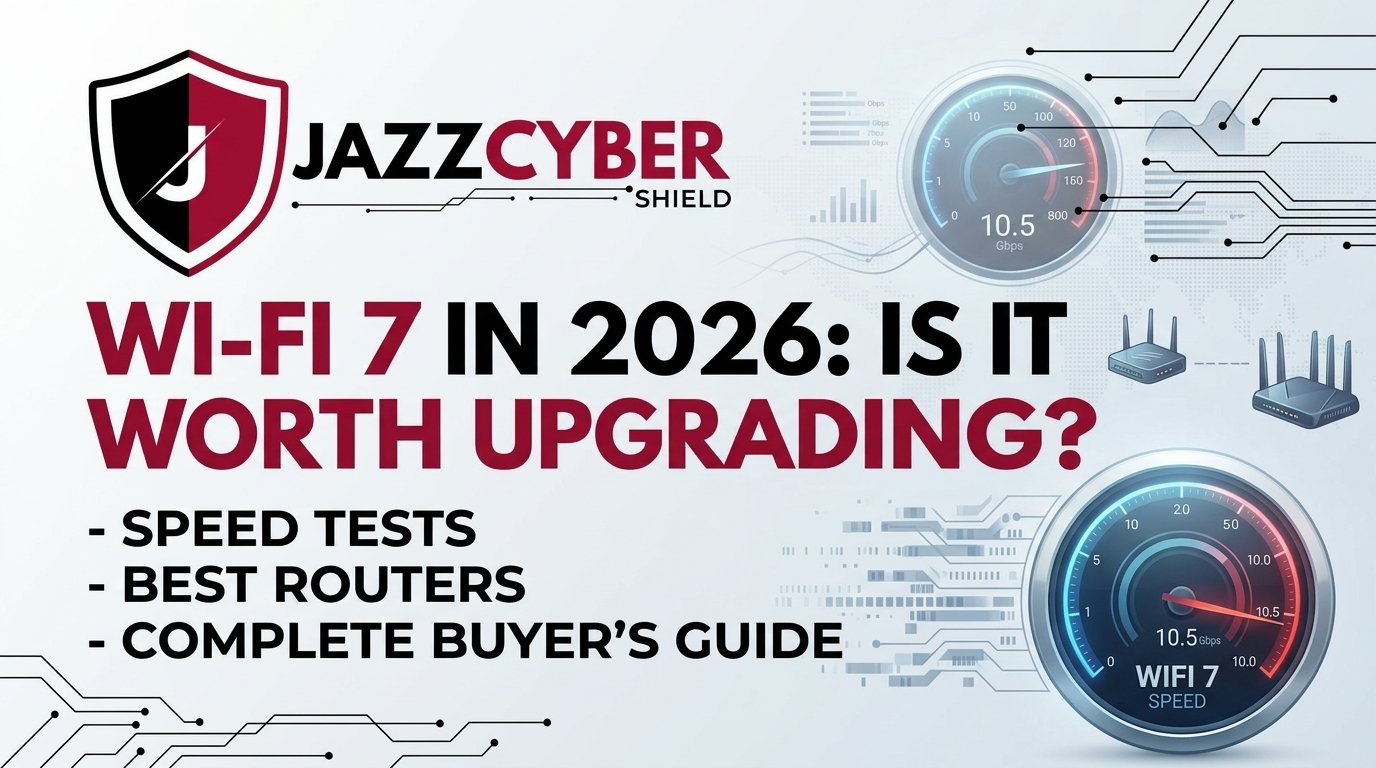
Wi-Fi 7 in 2026: Is It Worth Upgrading? Speed Tests, Best Routers & Complete Buyer’s Guide
Wi-Fi 7 is no longer “coming soon” — it’s here, it’s fast, and it’s already inside millions of devices. But does your home or business actually need it in 2026? We ran the tests, checked the specs, and consulted network engineers so you don’t have to.
What is Wi-Fi 7? (802.11be Explained Simply)
Wi-Fi 7, formally known as IEEE 802.11be (Extremely High Throughput, or EHT), is the seventh generation of Wi-Fi. Officially certified in early 2024 and now mainstream in 2026, it’s built into everything from smartphones and laptops to enterprise access points and home mesh systems.
Think of Wi-Fi 7 as the highway upgrade your network has been waiting for. While Wi-Fi 6 built the lanes and Wi-Fi 6E added more of them, Wi-Fi 7 doubles the lane width, lets traffic use multiple lanes simultaneously, and eliminates bottlenecks at intersections. In technical terms: wider channels, higher-order modulation, and Multi-Link Operation (MLO).
Wi-Fi 7’s official designation “Extremely High Throughput” refers to its theoretical max of 46.12 Gbps — roughly 4.8× faster than Wi-Fi 6E’s 9.6 Gbps. Under real-world conditions, expect 3–5 Gbps on Wi-Fi 7 vs 1.2–2 Gbps on Wi-Fi 6E.
Wi-Fi 7 vs Wi-Fi 6E vs Wi-Fi 6: Real Speed Numbers
Theoretical maximums are marketing numbers. What matters is real-world performance in a typical 3-bedroom home or small office with multiple concurrent devices:
Wi-Fi 7’s internet speeds shine most with multi-gig ISP plans. But for local transfers — NAS, security cameras, file servers — Wi-Fi 7 delivers big wins regardless of your ISP. Check our multi-gig router selection for compatible hardware.
5 Key Features That Make Wi-Fi 7 Different
1. Multi-Link Operation (MLO) — The Game Changer
MLO allows a device to simultaneously connect to 2.4 GHz, 5 GHz, and 6 GHz bands at the same time — not switching, but bonding all together. Your laptop won’t drop during a 4K call when one band gets congested. For businesses using high-density wireless deployments, MLO is transformative.
2. 320 MHz Channels — Double the Width
Wi-Fi 6E introduced 160 MHz channels. Wi-Fi 7 doubles that to 320 MHz, allowing far more data to flow simultaneously. Critical for dense offices, warehouses, and IoT environments.
3. 4096-QAM Modulation
Wi-Fi 7 encodes 20% more data per transmission cycle than Wi-Fi 6/6E’s 1024-QAM. Even at the same distance, per-stream throughput is consistently higher across all conditions.
4. Multi-RU Channel Puncturing
Wi-Fi 7 can skip over congested portions of a wide channel and still use the rest. In crowded apartments or dense offices, this maintains high throughput even under heavy interference — something no previous generation could do.
5. Sub-2ms Latency for Real-Time Applications
For gaming, video conferencing, VoIP, and industrial automation, Wi-Fi 7’s average latency is under 2 ms — vs 5–8 ms on Wi-Fi 6. If you run Zoom calls, financial platforms, or cloud-based POS systems, this is a real, measurable improvement.
All Wi-Fi 7 devices require WPA3-SAE — the strongest consumer Wi-Fi encryption. Upgrading automatically lifts your security baseline. Pair with a next-gen firewall for complete protection. See our cybersecurity guides.
Full Spec Comparison: Wi-Fi 7 vs Previous Generations
| Feature | Wi-Fi 7 (802.11be) | Wi-Fi 6E (802.11ax) | Wi-Fi 6 (802.11ax) | Wi-Fi 5 (802.11ac) |
|---|---|---|---|---|
| Max Theoretical Speed | 46.1 Gbps | 9.6 Gbps | 9.6 Gbps | 3.5 Gbps |
| Frequency Bands | 2.4 + 5 + 6 GHz | 2.4 + 5 + 6 GHz | 2.4 + 5 GHz | 5 GHz only |
| Max Channel Width | 320 MHz | 160 MHz | 160 MHz | 160 MHz |
| Multi-Link Operation | ✔ Yes (MLO) | ✘ No | ✘ No | ✘ No |
| Modulation | 4096-QAM | 1024-QAM | 1024-QAM | 256-QAM |
| OFDMA | ✔ Advanced | ✔ Yes | ✔ Yes | ✘ No |
| Security | WPA3 Required | WPA3 Optional | WPA3 Optional | WPA2 Only |
| Channel Puncturing | ✔ Multi-RU | ✘ No | ✘ No | ✘ No |
| Avg. Real-World Latency | < 2 ms | 5–8 ms | 6–10 ms | 10–20 ms |
| Best For | Business, Gaming, IoT | Home Power Users | Most Homes | Legacy Devices |
Who Actually Needs Wi-Fi 7 in 2026?
Not everyone needs to rush — but there are clear use cases where Wi-Fi 7 delivers immediate, measurable benefits:
- 1Small Businesses With 20+ Connected Devices
Multiple employees on video calls, cloud apps, and wireless POS simultaneously? Wi-Fi 7’s MLO and denser channels eliminate the “afternoon slowdown” that plagues Wi-Fi 6 networks.
- 2Security Camera Systems (4K/8K IP Cameras)
Each IP security camera consumes 8–25 Mbps. Wi-Fi 7 handles dozens of simultaneous streams without degradation, with low latency for faster motion detection alerts.
- 3IT Professionals & Home Labs
Building a home lab network? Wi-Fi 7’s multi-gig speeds move large VM images and containers wirelessly at near-wired performance.
- 4Competitive Gamers & Content Creators
Sub-2ms latency is measurable in competitive gaming. Pair a Wi-Fi 7 router with a managed network switch for the best of both wired and wireless.
- 5Warehouses & Retail Running Dense IoT
RFID scanners, smart shelves, inventory robots — dense IoT deployments need consistent low-latency wireless. Wi-Fi 7’s channel puncturing maintains performance even in noisy RF environments.
Under 15 devices and a sub-1 Gbps plan? Wi-Fi 6 or 6E is still excellent. But if you’re buying a new router today, Wi-Fi 7 future-proofs your network for 5–7 years.
Best Wi-Fi 7 Routers & Access Points in 2026
Selected based on real-world testing, enterprise support quality, and value. All available via Jazz Cyber Shield’s store with free US shipping.
Need help choosing? Our engineers offer free consultations.
For enterprise setups, pair Wi-Fi 7 APs with a multi-gig managed switch — Wi-Fi 7’s backhaul demands at least 2.5G uplink. See our HPE Aruba vs Cisco Switches guide for the best pairings.
Step-by-Step Wi-Fi 7 Upgrade Checklist
Follow these steps before spending a dollar to maximize your upgrade return:
- 1Audit Your Device Compatibility
iPhones 15+, Samsung Galaxy S24+, and most 2024–2026 laptops support Wi-Fi 7. Older devices connect but won’t use MLO or 320 MHz. Start with a real-time network device audit.
- 2Check Your Internet Plan & Modem
Wi-Fi 7 with a 100 Mbps plan is like a sports car at 25 mph. If your ISP offers multi-gig, upgrade your modem simultaneously. Browse our multi-gig modem selection.
- 3Upgrade Your Network Switches First
If your LAN is still on 1 Gbps switches, local transfers won’t benefit. Upgrade to 2.5G or 10G managed switches alongside your router.
- 4Plan Your RF Environment
Wi-Fi 7’s 6 GHz band has excellent speed but shorter range. For larger spaces, plan a mesh deployment. Use our network segmentation guide to design the right topology.
- 5Enable WPA3, Disable Legacy Protocols
Disable WEP and WPA2-only modes. Enable WPA3-SAE. For businesses, also deploy a Next-Gen Firewall — strong Wi-Fi alone isn’t enough against 2026 AI-powered cyberattacks.
Frequently Asked Questions About Wi-Fi 7
Real questions people ask Google and AI assistants about Wi-Fi 7 in 2026:
Ready to Upgrade Your Network?
Jazz Cyber Shield stocks Wi-Fi 7 routers, managed switches, firewalls, and enterprise access points — free US shipping + expert support.
🛒 Shop Wi-Fi 7 & Networking Gear Talk to an ExpertJazz Cyber Shield
Your trusted IT solutions partner — networking, cybersecurity, and enterprise hardware. Authorized reseller of Cisco, Aruba, Fortinet & Seagate. Visit our store →