



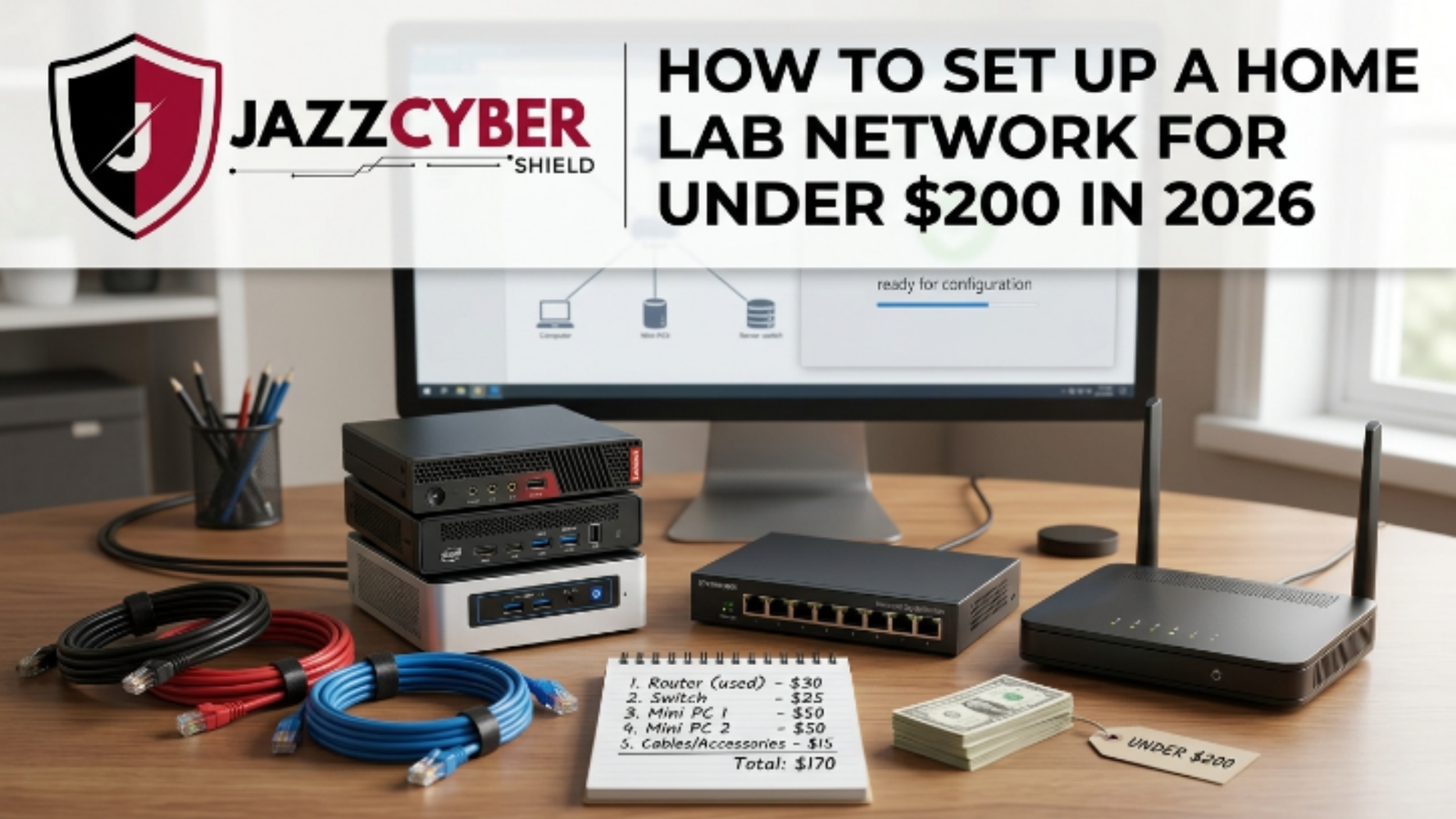
You want to build a real home lab network without spending too much money. Moreover, you can easily create a powerful and practical home lab network for under $200 in 2026. However, most beginners think they need expensive servers and switches. Additionally, you gain valuable hands-on experience with virtualization, networking, and self-hosting while keeping everything affordable and energy-efficient. Therefore, this complete 2026 guide from Jazz Cyber Shield walks you through every step to set up your own home lab network successfully in the US or UK. You will love how fast you start learning and experimenting.
Table of Contents
What Is a Home Lab Network?
You build a home lab network when you create your own private environment for testing and learning at home. Moreover, you simulate real-world IT setups using servers, switches, and virtual machines. However, you do not need costly rack equipment anymore. Additionally, you safely run firewalls, media servers, and smart home tools. Therefore, you develop strong technical skills while keeping costs very low in 2026.
For instance, you test new configurations without affecting your main home devices. In addition, you learn networking concepts through actual practice. However, you keep the setup compact and silent. Therefore, you enjoy a personal learning space that grows with you.
Why Build a Home Lab Network Under $200 in 2026?
You make a smart choice when you build your home lab network for under $200. Moreover, prices of used mini PCs and single-board computers have become even more affordable this year. However, many people still believe a good lab costs a lot. Additionally, you avoid expensive cloud services and learn by doing. Therefore, you prepare yourself for better career opportunities or fun personal projects.
For example, you block ads across all devices with Pi-hole. In addition, you control your smart home with Home Assistant. However, you keep power consumption low. Therefore, you create something useful without ongoing monthly fees.
Essential Components You Need
You select the right parts when you focus on low-power and reliable hardware. Moreover, a used mini PC works perfectly as your main server. However, you add a Raspberry Pi for extra tasks. Additionally, you include a simple Gigabit switch and fast storage. Therefore, you build a complete home lab network that runs quietly 24/7.
For instance, you choose a refurbished Dell OptiPlex or a Beelink mini PC. In addition, you pair it with a Raspberry Pi 5. However, you make sure the CPU supports virtualization. Therefore, you stay comfortably within your budget while getting good performance.
Realistic Budget Breakdown for 2026
You plan better when you follow this practical 2026 budget for both US and UK buyers.
| Component | Recommended Item | Approx. Price (US/UK) | Notes |
|---|---|---|---|
| Main Server | Used Dell OptiPlex / Beelink N100 | $80 – $110 | Refurbished or renewed |
| Secondary Node | Raspberry Pi 5 (4GB or 8GB) | $55 – $75 | Latest model |
| Network Switch | 8-Port Gigabit Switch | $18 – $25 | Fanless model |
| Storage | 512GB NVMe SSD | $22 – $30 | Reliable and fast |
| Cables & Accessories | Ethernet cables + power supplies | $10 – $15 | Basic but essential |
| Total | — | $185 – $255 | Under $200 with good deals |
Moreover, you find better prices during sales seasons. However, you always check CPU virtualization support. Additionally, you consider shipping and VAT in the UK. Therefore, you complete your setup without any budget shock.
Step-by-Step Setup Guide
You start successfully when you prepare your workspace first. Moreover, you install Proxmox VE on your main mini PC. However, you connect everything to the switch before turning on the power. Additionally, you configure the network through the simple web dashboard. Therefore, you have a working system in under one hour.
For example, you create a bootable USB drive with the Proxmox image. In addition, you install a lightweight OS on your Raspberry Pi. However, you test each component separately first. Therefore, you avoid problems during final integration.
Next, you create your first virtual machines. Moreover, you set up basic firewall rules. However, you create VLANs for better security. Additionally, you configure shared storage. Therefore, you build a clean and organized home lab network.
Recommended Software Stack
You choose the right tools when you keep your home lab network simple yet powerful. Moreover, you use Proxmox VE as the main hypervisor. However, you install Pi-hole for ad blocking. Additionally, you run Home Assistant and other lightweight containers. Therefore, you turn your small budget lab into a useful daily tool.
For instance, you deploy services using LXC containers to save resources. In addition, you add Tailscale for secure remote access. However, you begin with only a few services. Therefore, you learn quickly without feeling overwhelmed. For more ideas, check our Best Home Network Setup in 2026.
Important Networking Tips
You improve security when you create VLANs from the very beginning. Moreover, you separate your lab traffic from your home network. However, you consider adding a small managed switch later. Additionally, you think about basic PoE support if you plan to expand. Therefore, you build a safe and flexible environment.
For detailed information, read our What Is PoE and Do You Need a PoE Switch? guide. In addition, you can explore reliable switches in our network switches collection at Jazz Cyber Shield. However, you start simple and add features step by step. Therefore, you maintain stability while learning.
Best Places to Buy in US and UK
You save money when you shop smartly in your country. Moreover, you check eBay, Facebook Marketplace, and Amazon for used mini PCs in the US. However, you compare Amazon.co.uk and local UK sellers for Raspberry Pi. Additionally, you look for renewed or refurbished items. Therefore, you stay within budget without paying extra import fees.
For example, you search for local listings to reduce shipping costs. In addition, you always read seller reviews carefully. However, you remember to include VAT when buying in the UK. Therefore, you finish your home lab network smoothly.
Jazz Cyber Shield Products for Your Budget Lab
You make your setup better when you choose quality accessories from Jazz Cyber Shield. Moreover, we offer affordable Gigabit switches and networking gear that fit perfectly in under $200 home lab networks. However, you find reliable Cat6 cables, mounting kits, and basic network tools in our store. Additionally, our entry-level switches help you practice VLANs and basic management.
For example, you can pick a compact 8-port switch from Jazz Cyber Shield to connect your mini PC and Raspberry Pi. In addition, you explore more suitable products in our network switches category. However, you always match the specifications to your needs. Therefore, you build a clean and professional-looking home lab network with trusted parts from Jazz Cyber Shield.
Common Mistakes to Avoid
You avoid frustration when you check virtualization support before buying any used PC. Moreover, you stay away from very cheap unknown SSDs. However, you test all cables and power supplies immediately. Additionally, you document your setup from the first day. Therefore, you solve problems faster and enjoy a stable lab.
In addition, you update firmware regularly. However, you start small instead of doing everything at once. Therefore, you learn effectively without stress.
How to Scale Your Home Lab Later
You grow comfortably when you begin with this solid budget foundation. Moreover, you add another node when your budget increases. However, you keep an eye on power usage because electricity costs matter in both the US and UK. Additionally, you add more services as you become confident. Therefore, you turn your starter home lab network into an advanced learning platform.
For expert guidance, visit the official Proxmox documentation. However, you always focus on keeping power consumption low. Therefore, you stay prepared for future upgrades.
Frequently Asked Questions
What is the best hypervisor for a budget home lab network? You should use Proxmox VE as your main hypervisor. Additionally, it is completely free, supports both virtual machines and LXC containers, and runs efficiently on low-power hardware. However, it also allows easy clustering when you expand later. Therefore, Proxmox gives you the best balance of features and performance for an under $200 setup.
Do I need any previous IT experience to set up this home lab? No, you do not need previous experience. Moreover, this guide provides clear step-by-step instructions that even complete beginners can follow. However, you learn quickly once you start installing Proxmox and creating your first virtual machine. Therefore, you build confidence while gaining practical skills.
How much electricity does an under $200 home lab network consume? You typically use less than 50 watts in total. Moreover, a mini PC plus Raspberry Pi setup stays very energy-efficient. However, you can monitor exact usage with simple tools inside Proxmox. Therefore, you keep your electricity bill low even if you run the lab 24/7.
Will this home lab network setup work well in the UK? Yes, this setup works perfectly in the UK. Moreover, you can buy the same components from Amazon.co.uk, eBay UK, or local sellers. However, remember to add VAT and check shipping costs. Therefore, you easily stay within the under $200 budget after small adjustments.
Can I add security cameras or PoE devices to this budget home lab later? Yes, you can expand easily. Moreover, you simply add a small PoE switch or injector when you are ready. However, you should plan your power budget carefully. Therefore, check our detailed guide on What Is PoE and Do You Need a PoE Switch? before adding cameras or access points.
What should I do if my used mini PC does not support virtualization? You must check the CPU supports VT-x (Intel) or AMD-V before buying. Moreover, you can verify this quickly on the seller’s listing or by searching the model number. However, if it lacks support, you should choose another mini PC. Therefore, you avoid wasting time and money on incompatible hardware.
Conclusion
You now know exactly how to set up a home lab network for under $200 in 2026. Moreover, you save money while building real skills that matter. However, the real fun begins when you turn everything on and create your first virtual machine. Additionally, you build something flexible that grows with your goals. Therefore, start collecting your parts today and enjoy learning with Jazz Cyber Shield.
Ready to shop? Browse our network switches collection and other networking products at Jazz Cyber Shield.

