



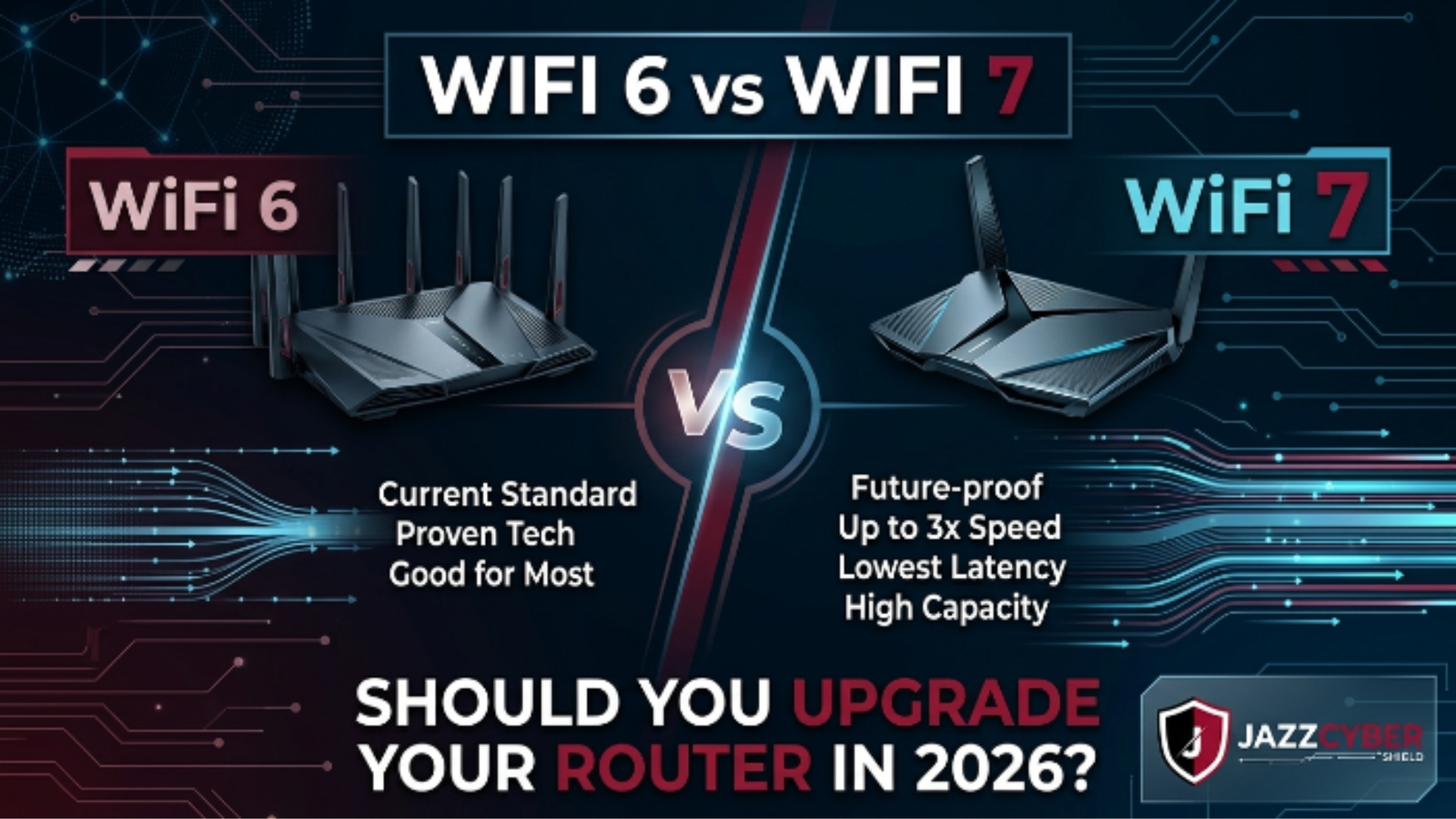
The WiFi 6 vs WiFi 7 debate is heating up — and for most homes and businesses, the answer isn’t as obvious as the marketing makes it sound.
Everyone’s throwing around “next-gen wireless” like it means something. It does — but only if you understand what changed, what actually matters for your setup, and whether your current equipment is already doing the job.
Here’s the honest picture. WiFi 7 is real, it’s fast, and it’s available right now. But WiFi 6 is still a perfectly capable standard that handles most real-world workloads without breaking a sweat. The question isn’t which standard is newer — it’s which one you actually need.
Let’s break it down spec by spec, use case by use case, so you can make a decision that actually makes sense for your home, your office, or your business in 2026.
Table of Contents
The State of Wireless Networking in 2026
Wireless networking moved fast over the last few years. WiFi 6 (802.11ax) launched in 2019 and became the dominant standard by 2022. WiFi 6E extended it into the 6GHz band. Then WiFi 7 (802.11be) hit the market in 2024 — and router manufacturers have been in full hype mode ever since.
Here’s where things stand heading into 2026:
- Over 60% of enterprise access points sold in 2025 were WiFi 6 or WiFi 6E
- WiFi 7 router shipments grew 340% year-over-year but still represent a small slice of installed base
- The average US household still runs a WiFi 5 or older router — meaning WiFi 6 is already a massive upgrade for most people
⚠️ ALERT: The FCC’s broadband data confirms that the majority of American households subscribe to plans under 500 Mbps — speeds that WiFi 5 can handle adequately, WiFi 6 handles effortlessly, and WiFi 7 is overkill for today. The bottleneck isn’t your wireless standard. It’s often your ISP plan, your router placement, or your building’s interference. (opens in new tab)
The point: don’t upgrade your wireless standard before you’ve addressed the basics. But if you’re in the market for new gear, you need to understand what you’re choosing between.
WiFi 6 vs WiFi 7: What Actually Changed?
The jump from WiFi 6 to WiFi 7 is more significant than the jump from WiFi 5 to WiFi 6. Here’s what the engineers actually changed under the hood.
WiFi GENERATION COMPARISON — KEY SPECS
══════════════════════════════════════════════════════════
                  WiFi 5        WiFi 6/6E      WiFi 7
──────────────────────────────────────────────────────────
Standard          802.11ac      802.11ax       802.11be
Max Throughput    3.5 Gbps      9.6 Gbps       46 Gbps
Frequency Bands   2.4/5GHz      2.4/5/6GHz     2.4/5/6GHz
Channel Width     80/160MHz     160MHz         320MHz
Multi-Link Ops    No            No             Yes (MLO)
OFDMA             No            Yes            Yes (enhanced)
MU-MIMO Streams   4             8              16
Target Wake Time  No            Yes            Yes (enhanced)
Min Security      WPA2          WPA3           WPA3
──────────────────────────────────────────────────────────
The biggest WiFi 7 innovations are 320MHz channel width and Multi-Link Operation (MLO).
320MHz channels double the channel width versus WiFi 6, which translates directly to throughput. MLO lets a single device connect to multiple bands simultaneously — 5GHz AND 6GHz at the same time — and automatically route traffic for minimum latency. That’s the game-changer for latency-sensitive applications.
🔴 WARNING: That 46 Gbps theoretical maximum you see in WiFi 7 specs? Real-world throughput is typically 20-30% of theoretical in ideal conditions — less in busy, interference-heavy environments. Marketing numbers are not lab numbers. Plan accordingly.
Speed and Performance: The Real Numbers
Theoretical specs are marketing. Let’s talk about what you’ll actually see.
In controlled real-world tests with current WiFi 7 hardware:
- Single-device throughput: 3–5 Gbps (vs. 1.5–2.5 Gbps on WiFi 6)
- Latency: sub-2ms on MLO (vs. 5–10ms on WiFi 6 under load)
- Range: similar to WiFi 6 on 5GHz; slightly reduced on 6GHz
The latency improvement is where WiFi 7 earns its keep. For gaming, video conferencing, VoIP, and real-time collaboration tools, the difference between 2ms and 10ms latency is noticeable and meaningful.
For raw download speed? If your internet connection is under 1 Gbps — which covers the vast majority of US households and businesses — WiFi 6 already delivers your full ISP speed wirelessly. WiFi 7 adds capacity you can’t even use yet.
The exception: high-density environments. In a conference room with 40 devices, a warehouse with hundreds of IoT sensors, or an office floor with video editing workstations — the extra capacity and improved MU-MIMO in WiFi 7 start making a real difference.
⚠️ ALERT: ISPs are now rolling out 2.5 Gbps and 5 Gbps fiber plans in major US metro areas. If you’re on or considering multi-gig internet, WiFi 6 tops out before you get full benefit — WiFi 7 is built for it.
WiFi 6 vs WiFi 7 for Business Networks
For business buyers, the calculus is different than for home users. You’re not just thinking about one router. You’re thinking about access points, controllers, switches, and the total cost of ownership.
WiFi 6 for business — still the smart buy for most:
WiFi 6E access points are mature, well-supported, and priced competitively. For standard office environments — open floor plans, conference rooms, typical VoIP and video traffic — WiFi 6 handles everything cleanly. The enterprise ecosystem around WiFi 6 is deep. Management tools, security integrations, and support contracts are all established.
WiFi 7 for business — the right call for specific use cases:
- High-density venues (auditoriums, warehouses, hospitals)
- Healthcare environments requiring real-time monitoring
- Production environments with 4K/8K video streaming
- Offices actively upgrading to multi-gig fiber
- New construction where you’re building infrastructure from scratch
If you’re deploying enterprise-grade access points across a new facility, it’s worth the conversation about WiFi 7 — especially if the infrastructure will be in service for 5+ years.
For existing business deployments on WiFi 6, upgrading is rarely justified unless you’ve hit a specific capacity or latency wall you can document.
| Use Case | WiFi 6 | WiFi 7 | Verdict |
|---|---|---|---|
| Standard office (50 users) | ✅ Handles easily | ✅ Overkill | WiFi 6 wins on cost |
| Video conferencing heavy | ✅ Solid | ✅ Marginal gain | WiFi 6 sufficient |
| High-density venue (200+) | ⚠️ Stretched | ✅ Purpose-built | WiFi 7 recommended |
| Multi-gig fiber (2.5G+) | ⚠️ Bottleneck | ✅ Full throughput | WiFi 7 justified |
| Warehouse IoT (500+ devices) | ⚠️ Near limit | ✅ Headroom | WiFi 7 preferred |
| Retail with POS/payments | ✅ More than enough | ✅ No added benefit | WiFi 6 wins |
| Home office (1-3 users) | ✅ Perfect | ✅ No real benefit | WiFi 6 wins |
Security Differences You Need to Know
Both WiFi 6 and WiFi 7 mandate WPA3 encryption — that’s a significant upgrade over the WPA2 that WiFi 5 and older routers rely on. If you’re still on WPA2, that’s a security problem worth fixing regardless of which generation you pick next.
WPA3 closes several critical vulnerabilities in WPA2, including the KRACK attack vector and offline dictionary attacks against captured handshakes. NIST’s wireless security guidelines recommend WPA3 as the minimum standard for any network handling sensitive data. (opens in new tab)
The security difference between WiFi 6 and WiFi 7 is minimal from a protocol standpoint — both run WPA3. What does differ is that WiFi 7’s enhanced management frame protection provides slightly stronger resistance to deauthentication attacks.
For business networks, your security posture matters far more than which WiFi generation you run. A properly segmented network — VLANs isolating guest, IoT, and corporate traffic — on WiFi 6 is dramatically more secure than a flat network running WiFi 7. Read our breakdown of WPA2 vs WPA3 encryption differences for the full picture.
CISA’s network security guidelines specifically emphasize network segmentation and proper authentication as higher priorities than hardware generation for most organizations. (opens in new tab)
When WiFi 6 Is Still the Right Call
Let’s be direct. For most people reading this in 2026, WiFi 6 is the right buy.
Choose WiFi 6 if:
- Your internet plan is under 1 Gbps (the vast majority of US homes and businesses)
- You’re replacing an old WiFi 5 or WiFi 4 router — any jump to WiFi 6 is massive
- You’re buying access points for a standard office environment
- Budget matters — WiFi 6 gear is 40-60% cheaper than WiFi 7 equivalent
- Your client devices are mostly 2023 or older (most don’t support WiFi 7 yet)
- You want a proven, mature ecosystem with full software support
The upgrade math: A solid WiFi 6 access point costs $150–$400. A comparable WiFi 7 unit runs $350–$800+. For a 10-AP deployment, that’s a $2,000–$4,000 difference. Unless you have a documented need that WiFi 7 specifically addresses, that money is better spent on network segmentation, better switches, or security tools.
For businesses running HPE Aruba or Cisco infrastructure, check the HPE Aruba switch lineup and Cisco networking solutions — current generation WiFi 6/6E options deliver enterprise-grade reliability at proven price points.
Which Devices Actually Support WiFi 7?
This is the part the router marketing glosses over. A WiFi 7 router delivers WiFi 7 speeds only to devices that support WiFi 7. Everything else connects at its maximum supported standard.
WiFi 7 client support as of 2026:
- Laptops: Intel Core Ultra and AMD Ryzen AI processors (2024+) include WiFi 7. Most 2023 and older laptops are WiFi 6 at best.
- Smartphones: Samsung Galaxy S24 series (2024+), iPhone 16 (2024+), Pixel 9 support WiFi 7. Anything older does not.
- Tablets: iPad Pro M4 (2024+) supports WiFi 7. Older iPads do not.
- Smart home/IoT: Almost none. Most IoT devices run WiFi 4 or WiFi 5.
- Desktop PCs: WiFi 7 cards available as add-ins; most stock builds ship WiFi 6.
If you’re running a mixed device environment — which every business does — your WiFi 7 router spends most of its time serving WiFi 6 and WiFi 5 clients anyway. The benefit is real but diluted.
The gap closes over the next 2-3 years as devices naturally refresh. If you’re buying infrastructure that will be in place for 5+ years, that argument for WiFi 7 gets stronger.
How to Decide: Step-by-Step Upgrade Guide
Use this process to make the call for your specific situation.
- Check your internet speed. Log into your ISP account or run a speed test. If you’re under 1 Gbps, WiFi 6 delivers your full connection speed. Under 500 Mbps? Even WiFi 5 was handling it fine speed-wise.
- Audit your current router. What standard is it running? If it’s WiFi 5 (802.11ac) or older, any upgrade to WiFi 6 is a meaningful jump. If you’re already on WiFi 6, the case for upgrading to WiFi 7 is much harder to justify today.
- Count your devices and their standards. How many endpoints connect to your network? What WiFi generation do they support? If less than 20% of your devices are WiFi 7-capable, you’re buying future capacity — not present performance.
- Identify your actual pain point. Dead zones? Add an access point. Slow speeds at distance? Fix router placement or add a mesh node. High latency? Check your ISP first, then router load, then consider a hardware upgrade. If you can’t name a specific problem, you probably don’t need to upgrade.
- Calculate density. More than 50 concurrent devices on a single access point? More than 100 devices per floor? High-bandwidth applications like 4K streaming across multiple users? These are real arguments for WiFi 7.
- Set a budget. If WiFi 7 hardware costs twice as much as WiFi 6 equivalent in your deployment, articulate what performance gain justifies that difference. If you can’t, choose WiFi 6.
- Check your switch infrastructure. WiFi 7 APs can push 2.5–10 Gbps uplinks. If your switches only support 1 Gbps uplinks, you’re throttling your WiFi 7 AP at the port. Upgrading wireless without upgrading the switch is a common mistake. Review our guide on setting up VLANs for proper network segmentation before finalizing any wireless upgrade.
- Plan your timeline. If you’re buying infrastructure today that you expect to use for 5-7 years, WiFi 7 makes more sense than if you refresh every 3 years.
✅ Quick Reference Checklist
WiFi 6 vs WiFi 7 UPGRADE DECISION CHECKLIST — 2026
══════════════════════════════════════════════════════

BEFORE YOU BUY ANYTHING
[ ] Run a speed test — know your actual ISP throughput
[ ] Identify your specific pain point (speed/range/latency/density)
[ ] Check what WiFi standard your devices actually support
[ ] Review your current router's specs and age

CHOOSE WiFi 6 IF:
[ ] Internet plan under 1 Gbps
[ ] Budget is a factor (40-60% cost savings)
[ ] Devices mostly 2023 or older
[ ] Standard office/home environment
[ ] Replacing WiFi 5 or older gear

CHOOSE WiFi 7 IF:
[ ] Multi-gig fiber (2.5 Gbps+) internet plan
[ ] 50%+ of devices are WiFi 7 capable
[ ] High-density deployment (200+ concurrent devices)
[ ] Sub-2ms latency required (gaming/real-time apps)
[ ] Building new infrastructure for 5+ year horizon
[ ] Warehouse/hospital/venue environment

SECURITY MUST-DOS (regardless of which you pick):
[ ] WPA3 encryption enabled
[ ] Default router admin credentials changed
[ ] Guest network isolated from main network
[ ] VLAN segmentation for IoT devices
[ ] Firmware auto-updates enabled
[ ] 6GHz band restricted to trusted devices only

AFTER DEPLOYMENT:
[ ] Run speed tests at multiple locations
[ ] Confirm all devices connected at expected standard
[ ] Verify VLAN segmentation working
[ ] Document AP placement and channel config
══════════════════════════════════════════════════════
Frequently Asked Questions
Q: Is WiFi 7 worth it for a home user in 2026?
A: For most homes — no. If your internet plan is under 1 Gbps and you don’t have 30+ devices hammering the network simultaneously, WiFi 6 delivers everything you need. Save the money. If you have multi-gig fiber and a house full of 2024+ devices, then yes, WiFi 7 earns its price premium.
Q: Does WiFi 7 work with my older WiFi 6 devices?
A: Yes. WiFi 7 is fully backward compatible with WiFi 6, WiFi 5, and older standards. Your older devices connect at their maximum supported speed. You don’t lose anything — you just don’t gain the WiFi 7 benefits on those devices.
Q: What’s Multi-Link Operation and why does it matter?
A: MLO is WiFi 7’s standout feature. It lets a single device connect to multiple frequency bands (like 5GHz and 6GHz) at the same time, and the router intelligently routes packets across whichever link is least congested. The result is significantly lower latency and more consistent throughput — even on a busy network. It’s real and it’s impressive. The catch: both your router and your client device need to support MLO, and very few client devices do today.
Q: My router is 5 years old. Should I upgrade to WiFi 6 or jump straight to WiFi 7?
A: If your current router is WiFi 5 (802.11ac) or older, upgrading to WiFi 6 is a massive improvement in speed, capacity, and security. You don’t need to jump to WiFi 7 unless you have a specific use case that justifies it. WiFi 6 is not an interim step — it’s a current, well-supported standard with years of life ahead.
Q: Are there security reasons to prefer WiFi 7 over WiFi 6?
A: Both require WPA3, so the baseline security is similar. WiFi 7 adds slightly enhanced management frame protection. In practice, your network segmentation strategy, router hardening, and patch management matter far more than which WiFi generation you run. Check the router settings you must change immediately to harden whatever router you buy.
Conclusion
The WiFi 6 vs WiFi 7 decision doesn’t have a universal right answer. It has a right answer for your specific situation.
For most homes, small offices, and businesses with standard workloads — WiFi 6 delivers everything you need, costs significantly less, and runs on a mature ecosystem with full support. For high-density venues, multi-gig fiber deployments, and new infrastructure builds with a long service horizon — WiFi 7 is the smarter long-term investment.
Whatever you choose, the fundamentals matter more than the generation. Proper placement, WPA3 security, network segmentation, and firmware updates deliver more real-world improvement than jumping to a newer wireless standard on top of a poorly configured foundation.
Ready to upgrade your wireless infrastructure with the right hardware? Browse our full selection of enterprise access points and network switches at Jazz Cyber Shield — including WiFi 6 and WiFi 7 options from brands IT teams across the US trust.
Related Reading
- WPA2 vs WPA3: Which Encryption Does Your Network Actually Need?
- Router Settings You Must Change Right Now
- VLAN Setup for Home and Business Networks in 2026
- The Hidden Dangers of Public WiFi in 2026
- Why Small Businesses Close After a Cyberattack

