


The Wrong NAS Drive Can Cost You Everything — Here’s How to Choose Right
Choosing the right Seagate NAS hard drive is the single most important decision you’ll make for your storage setup — and most people get it wrong.
Your NAS is running 24/7. It’s storing your business files, your backups, your security camera footage, your media library. Put the wrong drive in there and you’re looking at premature failure, data loss, and a rebuild that costs more than the drive ever did.
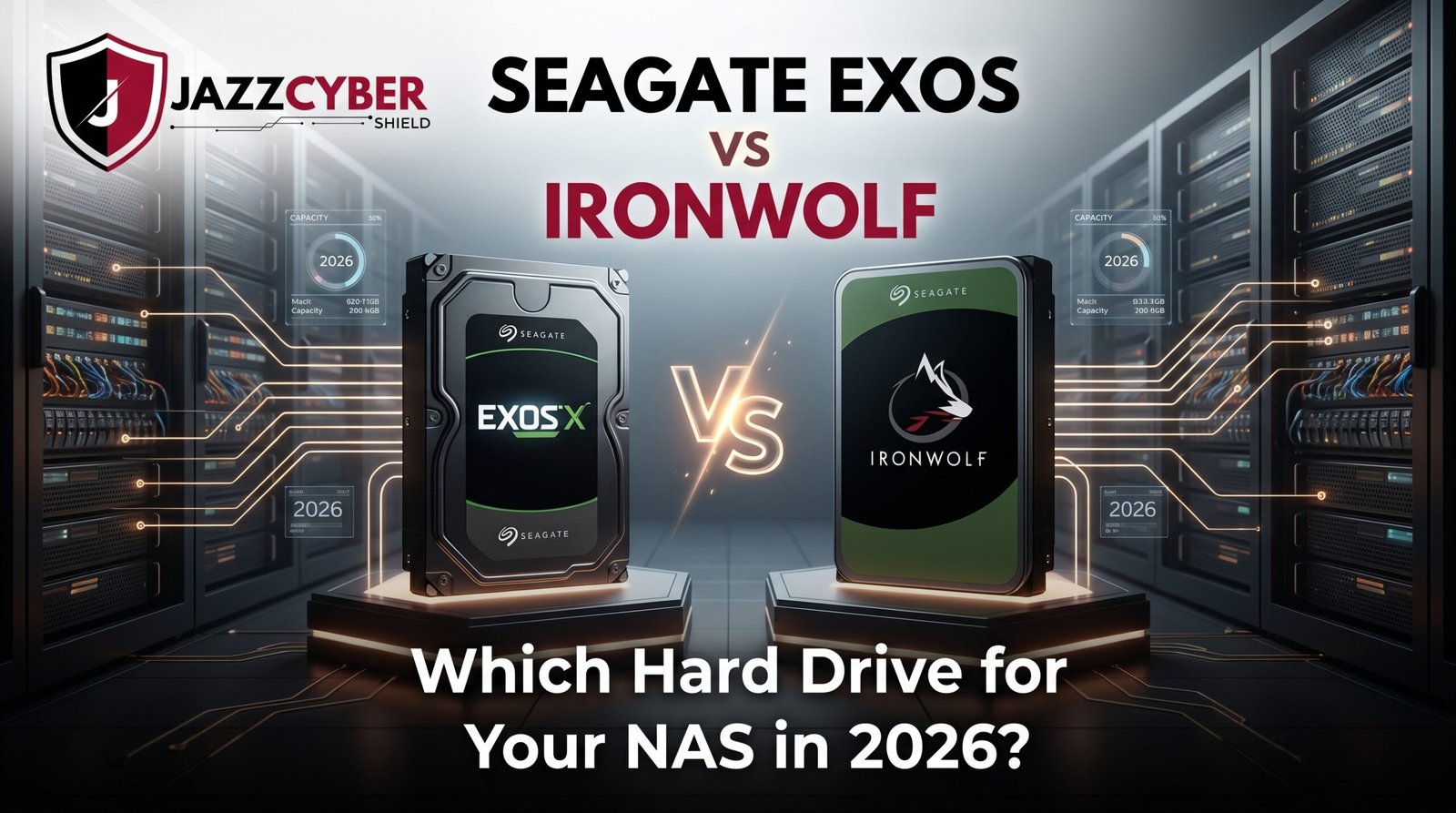
Seagate makes two drives that dominate the NAS market in 2026 — the Exos and the IronWolf. Both are Seagate NAS hard drive options. Both are reliable. But they are not the same drive, and they are not for the same user.
One is built for enterprise data centers running non-stop under extreme workloads. The other is engineered specifically for small business and home NAS systems. Picking the wrong one doesn’t just waste money — it can void your warranty and stress your hardware.
This guide breaks down exactly which Seagate NAS hard drive belongs in your setup — and why.
Table of Contents
The NAS Storage Market in 2026
NAS adoption has exploded over the last three years.
Small businesses are moving away from cloud-only storage as subscription costs pile up. Home users are building personal media servers, local backup systems, and private cloud setups. Demand for reliable NAS drives has never been higher.
According to IDC research, the global NAS market is projected to exceed $42 billion by 2028 — driven by data growth, remote work infrastructure, and the shift back toward local storage control.
⚠️ ALERT: Most consumer hard drives — the kind sold in retail stores — are not rated for NAS use. Running a standard desktop drive in a NAS system 24/7 leads to dramatically higher failure rates. Always use a drive specifically engineered for NAS workloads.
Seagate dominates this space with two distinct product lines. Understanding the difference between them is critical before you spend a dollar.
Seagate Exos — Enterprise Power in a Hard Drive
The Seagate Exos is not a NAS drive. Let’s be clear about that upfront.
Exos is Seagate’s enterprise-class hard drive — built for data centers, server racks, and hyperscale storage environments. It’s the drive you find inside Fortune 500 server farms and cloud provider infrastructure. It’s designed to run in environments with dedicated cooling, enterprise-grade power systems, and IT teams monitoring them around the clock.
SEAGATE EXOS — DESIGNED FOR:
[Data Center] → [Server Rack] → [24/7 Enterprise Workload]
      ↓
[Dedicated cooling systems]
      ↓
[Enterprise power infrastructure]
      ↓
[IT team monitoring]
The Exos line includes drives up to 20TB, with sustained transfer rates exceeding 260MB/s on top-end models. Workload rating sits at 550TB per year — more than most small businesses will ever push through a drive.
But here’s what most buyers miss — the Exos is not optimized for the vibration environment inside a multi-bay NAS enclosure. It lacks the specific firmware features that make NAS operation smooth.
🔴 WARNING: Seagate Exos drives do not include RV (Rotational Vibration) sensors as standard across all models. In a multi-bay NAS with several drives spinning simultaneously, vibration from neighboring drives degrades performance and can accelerate wear on Exos drives not designed for that environment.
The Exos is a phenomenal drive. In the right environment. A 4-bay home NAS is not that environment.
Seagate IronWolf — The Purpose-Built Seagate NAS Hard Drive
The IronWolf is what Seagate built specifically for NAS systems — and it shows in every spec.
Every IronWolf drive ships with AgileArray firmware — Seagate’s NAS-specific firmware that optimizes the drive for always-on operation, multi-drive vibration compensation, and error recovery tuned for RAID environments.
This matters more than most buyers realize. A standard drive that hits an error will spend a long time attempting recovery — long enough for a RAID controller to drop it from the array. IronWolf’s error recovery settings are specifically tuned to prevent this.
The IronWolf line covers 1TB to 12TB for standard models. IronWolf Pro extends that to 20TB for businesses needing higher capacity with an extended 5-year warranty and 300TB/year workload rating.
⚠️ ALERT: IronWolf drives also include IronWolf Health Management — a drive health monitoring system accessible through compatible NAS software like Synology DSM and QNAP QTS. This gives you early warning of potential drive issues before they become failures. Exos drives do not include this feature.
For most small business and home NAS users, the IronWolf is the correct Seagate NAS hard drive. Full stop.
Seagate Exos vs IronWolf — Full Head-to-Head Comparison
Here’s every spec that matters, side by side.
| Specification | Seagate Exos X20 | Seagate IronWolf Pro 20TB |
|---|---|---|
| Capacity Range | Up to 20TB | Up to 20TB |
| Workload Rating | 550TB/year | 300TB/year |
| Warranty | 5 years | 5 years |
| Cache | 256MB | 256MB |
| RPM | 7200 | 7200 |
| Transfer Rate | Up to 268MB/s | Up to 260MB/s |
| RV Sensors | Some models only | ✅ All models |
| NAS Firmware | ❌ No | ✅ AgileArray |
| Health Monitoring | ❌ No | ✅ IronWolf Health Mgmt |
| Rescue Data Recovery | ❌ No | ✅ 3-year included |
| Target Use | Enterprise/Data Center | NAS (1-24 bay) |
| Price (20TB) | ~$380 | ~$420 |
The Exos wins on raw workload rating and is slightly cheaper at equivalent capacity. The IronWolf Pro wins on everything that matters for NAS operation — firmware, vibration handling, health monitoring, and data recovery coverage.
Workload Rating — The Spec That Actually Matters Most
Workload rating tells you how many terabytes the drive is rated to read and write per year before it exceeds its design limits.
Exos: 550TB/year IronWolf Pro: 300TB/year IronWolf standard: 180TB/year
Those numbers sound like a clear Exos win. But context matters.
A 4-bay home NAS running Plex, backing up family photos, and syncing files across devices rarely pushes more than 30-50TB per year. A small business NAS handling daily backups, file sharing, and surveillance storage might hit 100-150TB per year.
Only enterprise environments — data centers, video production houses, financial services firms — regularly approach 300TB/year per drive.
⚠️ ALERT: Exceeding a drive’s workload rating doesn’t cause immediate failure. But it does accelerate wear and may void warranty coverage. Know your actual workload before buying based on this spec alone.
For 99% of NAS users, the IronWolf standard or IronWolf Pro workload rating is more than sufficient. You’re paying for Exos headroom you will never use.
Price vs Performance — Which Seagate NAS Hard Drive Gives Better Value?
Let’s talk actual cost at common capacities.
| Capacity | Seagate Exos | Seagate IronWolf | Seagate IronWolf Pro |
|---|---|---|---|
| 4TB | ~$90 | ~$95 | ~$115 |
| 8TB | ~$160 | ~$170 | ~$200 |
| 12TB | ~$220 | ~$240 | ~$280 |
| 16TB | ~$290 | ~$320 | ~$360 |
| 20TB | ~$380 | N/A | ~$420 |
The Exos is consistently 10-15% cheaper than equivalent IronWolf Pro models.
But that price gap disappears fast when you factor in what IronWolf Pro includes — 3 years of Seagate Rescue Data Recovery service. That service alone retails for $30-50 per year. Over 3 years, the IronWolf Pro is actually the better value for a NAS deployment.
For budget-conscious home NAS builds, the standard IronWolf hits the sweet spot — purpose-built NAS firmware, RV sensors, health monitoring, and a 3-year warranty at a price point that makes sense.
Real-World Use Cases — Which Drive Wins?
Let’s make this practical.
Home Media Server (Plex, photos, personal backup): → Seagate IronWolf 4TB-8TB. Purpose-built, right price, right firmware.
Small Business File Server (10-20 users, daily backups): → Seagate IronWolf Pro 12TB-16TB. Higher workload headroom, data recovery included.
Surveillance NAS (8-16 cameras, continuous recording): → Seagate IronWolf or IronWolf Pro. Seagate also makes SkyHawk specifically for surveillance — worth considering for camera-heavy setups.
Enterprise Storage (50+ users, heavy I/O, data center rack): → Seagate Exos. This is what it’s built for.
Budget NAS Build (2-4 bay, light home use): → Seagate IronWolf 2TB-4TB. Don’t overspend on Pro features you won’t use.
For businesses building out their network infrastructure alongside NAS storage, pairing reliable storage with solid network switching is critical — browse our range of HPE Aruba switches for NAS-to-network connectivity that keeps up with your storage performance.
How to Choose the Right Seagate NAS Hard Drive — Step by Step
Follow this process before you buy a single drive.
- Count your NAS bays — 1-8 bay: IronWolf. 8+ bay business NAS: IronWolf Pro. Data center rack: Exos.
- Estimate your annual workload — Light home use under 50TB/year: IronWolf standard. Business use 50-200TB/year: IronWolf Pro.
- Check your NAS compatibility list — Synology, QNAP, and other NAS manufacturers publish approved drive lists. Verify your chosen drive is on it.
- Calculate capacity needed — Take your current storage needs, double it, and buy that. Storage fills faster than you expect.
- Factor in RAID overhead — RAID 1 uses 50% of raw capacity. RAID 5 loses one drive’s worth. Plan capacity after RAID, not before.
- Check warranty coverage — IronWolf Pro includes Rescue Data Recovery. Factor that into total cost.
- Buy in matched pairs or sets — For RAID arrays, always buy drives from the same batch. Mixed batches have higher correlated failure risk.
For businesses also evaluating network security alongside their storage infrastructure, read our guide on why small businesses close after a cyberattack — because unprotected NAS systems are prime ransomware targets.
Pair your NAS with proper network security — browse our full range of enterprise firewalls to protect the network your NAS sits on.
Quick Reference Checklist — Seagate NAS Hard Drive Selection
SEAGATE NAS DRIVE SELECTION CHECKLIST — 2026

[ ] Confirmed NAS use (not desktop/external use)
[ ] Checked NAS manufacturer compatibility list
[ ] Calculated workload (TB/year) before buying
[ ] Chosen IronWolf for home/prosumer NAS
[ ] Chosen IronWolf Pro for small business NAS
[ ] Reserved Exos for enterprise/data center only
[ ] Planned capacity with RAID overhead factored in
[ ] Bought matched drives from same production batch
[ ] Enabled IronWolf Health Management in NAS software
[ ] Registered drive for warranty coverage
[ ] Planned backup strategy (NAS is not a backup)
[ ] Considered Rescue Data Recovery service coverage
Frequently Asked Questions
Q: Can I use a Seagate Exos drive in my home NAS?
A: Technically yes — it will work. But you’ll miss out on NAS-specific firmware, RV sensor optimization for multi-drive vibration, and IronWolf Health Management. For a home NAS, IronWolf is the better fit and often a better value.
Q: What is the difference between IronWolf and IronWolf Pro?
A: IronWolf Pro adds a higher workload rating (300TB vs 180TB/year), a longer warranty (5 years vs 3 years), higher capacity options, and 3 years of Seagate Rescue Data Recovery service. For serious small business use, Pro is worth the premium.
Q: Is a Seagate NAS hard drive necessary, or can I use any drive?
A: For a NAS running 24/7, yes — NAS-rated drives are necessary. Desktop drives are not rated for always-on operation and have error recovery settings that can cause RAID arrays to drop them. NAS drives like IronWolf are specifically tuned to avoid this.
Q: How many drives do I need for a reliable NAS?
A: At minimum, two drives in RAID 1 for redundancy. For better performance and capacity with redundancy, four drives in RAID 5 or RAID 6. Never run a single drive NAS for anything you can’t afford to lose.
Q: Does Seagate IronWolf work with Synology and QNAP?
A: Yes. IronWolf drives are on the approved compatibility lists for both Synology and QNAP NAS systems, and IronWolf Health Management integrates directly with Synology DSM and QNAP QTS software.
Conclusion
The Seagate Exos vs IronWolf debate has a clear answer for most buyers — it comes down to where your NAS lives and what it does.
If you’re running a home or small business NAS, the IronWolf is your drive. It’s purpose-built, properly firmware-tuned, and includes features that protect your data in exactly the environment you’re running it in. The IronWolf Pro adds business-grade workload headroom and data recovery coverage that pays for itself.
The Exos is a phenomenal drive — in a data center. In a 4-bay home NAS sitting on a desk, you’re paying for specs you’ll never use while missing firmware features that actually matter.
Buy the right Seagate NAS hard drive for your actual use case. Your data — and your wallet — will thank you.
Related Reading
- VLAN Setup for Home Network 2026
- Router Settings You Must Change Right Now
- Hidden Dangers of Public WiFi in 2026
- How Hackers Break Into Security Cameras
- Why Small Businesses Close After a Cyberattack

