



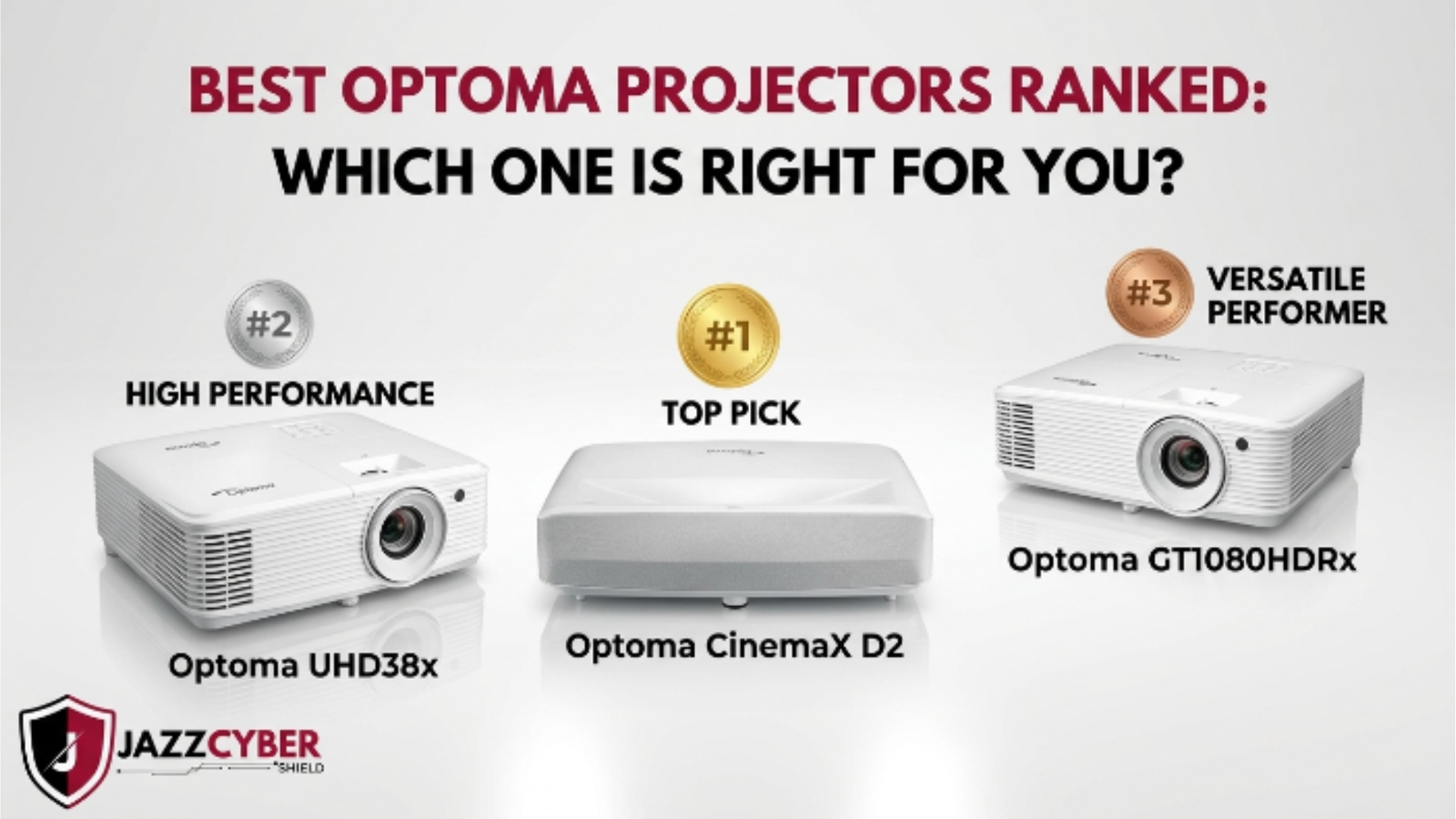
Shopping for the best Optoma projectors in 2026 doesn’t have to feel like a whole maze. I picked just five models that are actually worth your time, and yeah, each one is built with a different kind of buyer in mind.
Optoma is sitting at roughly 18% of the US consumer projector market. They got there by sticking to a mix of sharp 4K image quality and performance that feels reliable, at prices that , honestly, usually don’t scare you away. Still, not every model deserves a spot on your shortlist. So this is the straight, no-drama list of the ones that do.
5 Best Optoma Projectors at a Glance
| Use Case | Best Model | Price | Key Spec |
|---|---|---|---|
| Home Theater | UHD50X | ~$1,298 | 4K UHD, HDR10, 3,400 lumens |
| Gaming | GT1090HDR | ~$1,375 | 8.4ms input lag, 3,800 lumens |
| Business/Education | EH412ST | ~$1,053 | 4,000 lumens, 0.52:1 short throw |
| Budget Pick | HD146X | ~$995 | 1080p, 3,600 lumens |
| Laser/Long-Term | ZH403 | ~$999 | 20,000-hr lifespan, no lamp costs |
Home Theater: Optoma UHD50X
If you want a projector that covers most movie nights without turning into a special-project, the UHD50X is the one. It brings True 4K UHD resolution, HDR10 support, and a 500,000:1 contrast ratio, so dark scenes look properly cinematic in a controlled room.
Price-wise, it’s around $1,699, and it tends to punch above what you’d expect at that level.
Quick note though: it’s lamp-based. Plan on about $120 for a replacement lamp every 3–4 years depending on normal use patterns.
Runner-up: UHD38 ($1,298)
The UHD38 is a little brighter, which helps if your space has some ambient light that you can’t fully tame.
Gaming: Optoma GT1090HDR
For console players and PC gamers, the big number is input lag. The GT1090HDR lands at 8.4ms at 1080p/120Hz, which is right in the competitive zone compared to many dedicated gaming displays. Also, the 0.49:1 short throw ratio makes setup easier, because a 100-inch image can be thrown from about 5 feet away from the wall.
One limitation: it’s capped at 1080p. If your idea of “gaming” includes 4K too, the UHD35STx (about $1,375) is the safer choice.
Business & Education: Optoma EH412ST
Conference rooms and classrooms usually share two headaches: bright ambient lighting, and limited wall distance. The EH412ST is aimed directly at that. With 4,000 lumens, it pushes through fluorescent lighting without too much drama, and the 0.52:1 throw ratio gives you a 100-inch image from roughly
For schools or high-use environments, the laser-powered ZH406ST ( around $1,053 ) is kinda worth it the extra money. The 30,000 hour lifespan basically translates into no lamp swapping for years, so less hassle and less downtime.
Budget Pick: Optoma HD146X
Under $1,000 , the HD146X comes out on top. You get Full 1080p, 3,600 lumens, and a setup that’s fairly straightforward. There’s no HDR, no 4K, no smart TV stuff— just steady, dependable output that can turn a spare room into a home cinema without the financial bruise.
Also don’t downgrade to the HD143X just to save $20. The 146X brings 3D support and an actually noticeable bump in contrast.
Lamp vs. Laser: The choice that quietly changes your total spend
This is the part where most people kinda misread the numbers.
- Lamp projectors are cheaper at first, but they usually require a replacement, often about $100–$150 every 3,000–5,000 hours.
- Laser projectors cost more up front but they keep running 20,000–30,000 hours, with minimal upkeep or just none to speak of.
If you’re a home user watching 2 to 3 hours per night, a lamp model can last roughly 4 to 6 years and it stays reasonable. But if a business is running it 8 hours a day, laser typically earns back the cost in under two years.
Quick Buying Checklist
[ ] Measured throw distance before choosing model
[ ] Confirmed lumen requirement for room lighting
[ ] Decided 1080p vs 4K based on screen size
[ ] Checked input lag spec (gaming only)
[ ] Lamp vs laser decision made based on daily usage
[ ] Budgeted for screen, mount, and streaming device
[ ] Verified 3-year US warranty coverage
Bottom Line
The UHD50X is the home theater pick. The GT1090HDR is the gaming pick. The EH412ST is the business pick. The HD146X is the budget pick, and if you want near-zero maintenance, the ZH403 laser does the math for you over time.
Match the projector to your room layout, your daily usage hours, and the real screen size you plan to use—and you likely won’t regret it later.
For more on keeping the network safe that your AV setup runs on, check our guides for router security settings and the hidden risks of public Wi-Fi.
Related Reading
- How to Set Up a Secure Home Network with VLANs in 2026
- Router Settings You Must Change Right Now
- WPA2 vs WPA3: What’s the Real Difference?
- Hidden Dangers of Public WiFi in 2026


I really appreciate how this guide breaks down projectors by use case. Gaming, home theater, and business setups have such different needs, and it’s useful to see those priorities highlighted. It makes choosing the right projector feel much more manageable.