



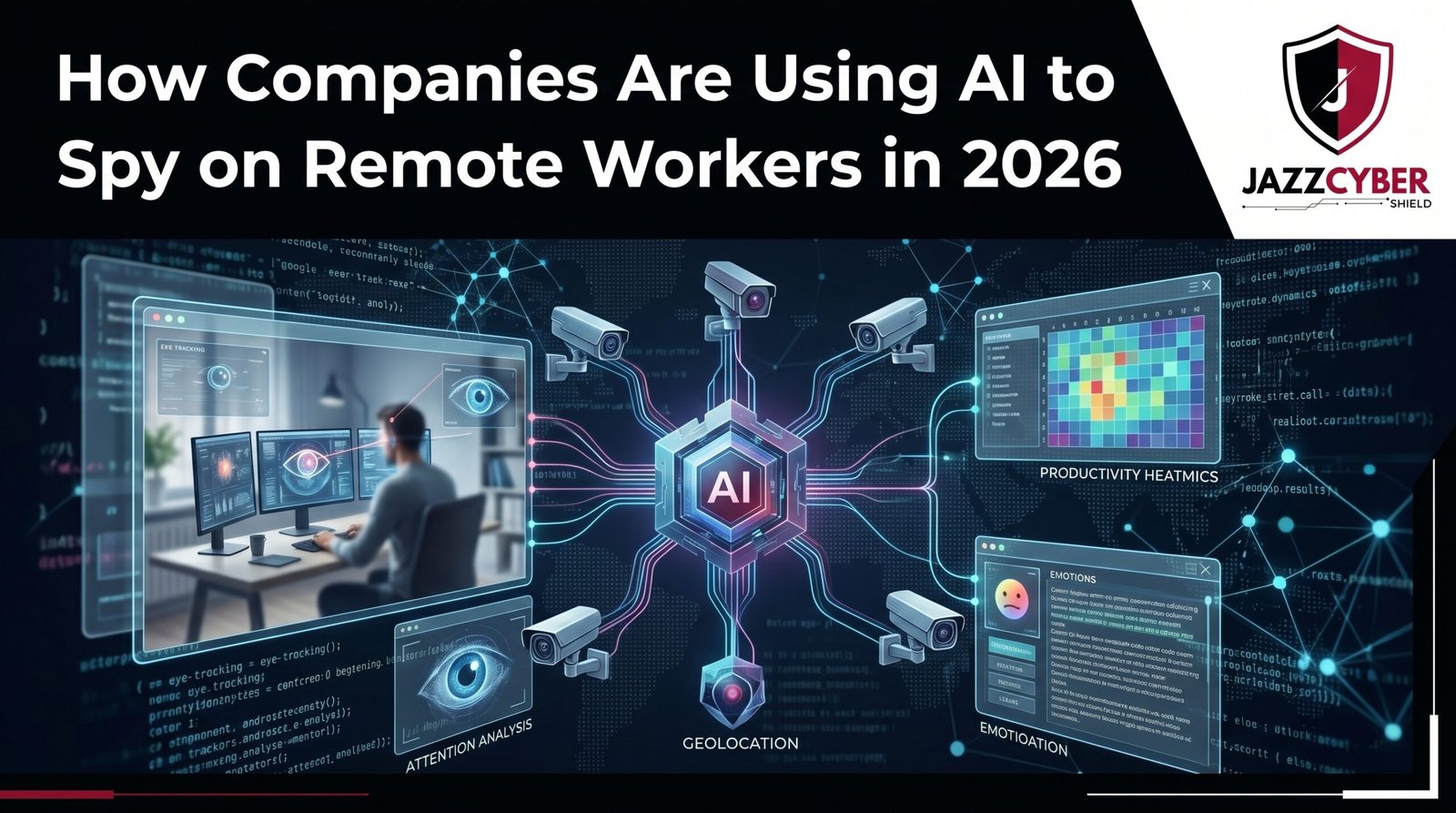
Remote work surveillance has exploded since 2020 — and AI employee monitoring now reaches deep into your home office, your screen, and even your emotional state.
AI employee monitoring tools have become the new normal for remote teams across the US, UK, Canada, and Australia.
It started with a productivity score. A screenshot timer. A login timestamp. But in 2026, AI employee monitoring has evolved into something far more invasive. Companies aren’t just checking if you’re online. They’re using machine learning to analyze your keystrokes, your facial expressions, your tone of voice, and your daily work patterns in real time.
This isn’t science fiction. This is happening right now — in law firms, call centers, financial institutions, and remote teams across the US, UK, Canada, and Australia.
A manager in Dallas doesn’t need to walk the floor anymore. An algorithm does it for him — 24 hours a day, 7 days a week, without a single break.
If you work from home, you need to understand exactly what these AI surveillance tools can see — and what you can do to protect yourself.
Table of Contents
The Scale of AI Employee Monitoring in 2026
The numbers are staggering.
According to a 2025 Gartner survey, over 70% of large employers now use some form of digital monitoring on remote workers. That’s up from just 30% in 2019. Since AI tools became cheaper and easier to deploy, that number has exploded fast.
⚠️ ALERT: A Microsoft Workplace Trends report found that employees are largely unaware of the extent of monitoring happening on their devices — even on personal laptops connected to company networks.
The global employee monitoring software market hit $5.4 billion in 2024 and is projected to reach $12.5 billion by 2028. That’s not a trend. That’s a full-scale industry built around watching you work.
And the tools have gotten frighteningly good. AI employee monitoring software is now one of the fastest-growing sectors in enterprise technology.
1. Keystroke Logging — Every Word You Type Is Recorded
This is the oldest trick in the book — and AI has made it terrifyingly powerful.
Traditional keyloggers just recorded what you typed. Modern AI-powered keystroke analysis goes much further. It measures your typing rhythm, speed, pauses, and error patterns to build a behavioral biometric profile of you.
Tools like Teramind, Hubstaff, and Veriato don’t just capture your keystrokes. They flag “unusual” typing behavior and alert managers automatically.
KEYSTROKE ANALYSIS FLOW:
[Employee Types] → [AI captures rhythm + speed + pauses]
       ↓
[Behavioral baseline created]
       ↓
[Deviation detected] → [Manager alert triggered]
       ↓
[Employee flagged for "productivity drop" or "suspicious activity"]
🔴 WARNING: Some enterprise tools capture keystrokes even in personal browser tabs and messaging apps — including passwords and private messages — if the monitoring software is installed on the work device.
This isn’t hypothetical. In 2023, a financial services firm in the UK faced a lawsuit after an employee discovered their personal banking credentials had been captured by a company-installed keylogger. The case settled out of court.
This is AI employee monitoring at its most invasive level.
2. Screenshot Surveillance — Your Screen Captured Every Few Minutes
Many companies using AI employee monitoring tools take automated screenshots every 3 to 10 minutes during work hours.
But it’s not just screenshots anymore. AI now analyzes those screenshots automatically. It detects which applications are open, how much time you spend on each, whether you’re browsing non-work sites, and even reads visible text on your screen.
| Tool | Screenshot Frequency | AI Analysis | Live Stream Option |
|---|---|---|---|
| Hubstaff | Every 5 min | Yes | No |
| Teramind | Every 1 min | Yes | Yes |
| ActivTrak | Every 10 min | Yes | No |
| Insightful | Configurable | Yes | Yes |
Tools like Teramind can actually live-stream your screen to a manager in real time — without any notification to you. Screenshot surveillance is one of the most common forms of AI employee monitoring used today.
⚠️ ALERT: In most US states, employers are legally allowed to monitor company-owned devices without notifying employees. However, laws vary significantly. Always check your state’s specific employee privacy laws.
3. Webcam Monitoring and Facial Expression Analysis
This is where AI employee monitoring crosses a line most workers don’t even know exists.
Some enterprise tools now use your webcam to verify you’re at your desk — and more disturbingly, to analyze your facial expressions and emotional state while you work.
Companies like Awareness Technologies and similar vendors offer tools that:
- Detect if you leave your desk
- Track whether you’re looking at your screen
- Analyze micro-expressions to gauge engagement, stress, or distraction
- Flag “disengaged” employees for manager review
WEBCAM SURVEILLANCE CHAIN:
[Webcam feed] → [Face detection AI]
      ↓
[Presence verification] + [Expression analysis]
      ↓
[Engagement score generated]
      ↓
[Low score = manager alert or HR flag]
Webcam-based AI employee monitoring raises serious ethical and privacy concerns for remote workers.
🔴 WARNING: Emotion AI is widely considered unreliable by researchers. A 2022 study by the AI Now Institute found that emotion recognition technology has accuracy rates as low as 50% — no better than a coin flip. Yet companies are making employment decisions based on it.
4. Email and Communication Monitoring — Every Message Analyzed
Your work email was never truly private. But AI has changed what “monitoring” means entirely.
Modern AI email surveillance tools don’t just flag specific keywords. They use natural language processing (NLP) to analyze the sentiment, tone, and intent of every message you send.
Tools integrated into Microsoft 365 and Google Workspace can:
- Score the “positivity” of your internal communications
- Flag messages that contain frustration, complaints, or negative sentiment
- Detect potential data exfiltration (sending files externally)
- Build a communication profile showing who you talk to most
According to Microsoft Security research (opens in new tab), over 85% of enterprise Microsoft 365 deployments have some level of email content scanning enabled.
⚠️ ALERT: If you use Slack, Microsoft Teams, or Google Chat on a company account — every message is stored, searchable, and potentially monitored. There is no private message on a corporate platform.
This applies to Slack DMs too. Many employees don’t realize that Slack’s Enterprise Grid plan gives employers full access to all direct messages between employees — not just public channels.
5. Network Traffic Monitoring — Your Internet Activity Is an Open Book
If you’re connected to a company VPN or using a corporate network — even from home — your employer can see every website you visit, every file you download, and every connection your device makes.
Next-generation firewalls from vendors like Fortinet, SonicWall, and WatchGuard give IT teams deep packet inspection capabilities. AI now analyzes that traffic automatically, flagging anomalies and building behavioral baselines.
NETWORK MONITORING FLOW:
[Employee device] → [Corporate VPN / Firewall]
        ↓
[Deep packet inspection]
        ↓
[AI traffic analysis] → [Behavioral baseline]
        ↓
[Anomaly detected] → [Security alert or HR flag]
For businesses that need enterprise-grade network visibility, check out our range of Fortinet firewalls — the same technology used by Fortune 500 companies to monitor and secure remote worker traffic.
🔴 WARNING: Using a personal device on a company Wi-Fi network or VPN still exposes your traffic to employer monitoring. The monitoring happens at the network level — not just on company-owned devices.
Also worth reading: Hidden Dangers of Public WiFi in 2026 — because the threats don’t stop when you leave the office network.
6. Productivity Scoring — AI Judges Your Every Move
This is the surveillance method that has the most direct impact on your career.
AI productivity scoring tools aggregate data from multiple sources — keystrokes, mouse movement, application usage, meeting attendance, email response times — and generate a single productivity score for each employee.
Managers see a dashboard. You see a number. That number influences raises, promotions, and terminations.
| Data Source | What AI Measures | Impact on Score |
|---|---|---|
| Keystrokes | Typing speed and frequency | High |
| Mouse movement | Activity vs idle time | High |
| Application usage | Work vs non-work apps | High |
| Email response time | Responsiveness | Medium |
| Meeting attendance | Engagement | Medium |
| Webcam presence | Desk time | Medium |
⚠️ ALERT: According to a 2024 report by the Electronic Frontier Foundation (opens in new tab), productivity scores have been used to justify terminations at major US corporations — with employees receiving no explanation beyond “performance metrics.”
Amazon’s warehouse workers have experienced this for years. Now it’s coming for office and remote workers too.
7. Location Tracking — Yes, Even at Home
Many employees don’t realize their company-issued laptop or phone tracks their physical location — even when they’re working from home.
Mobile Device Management (MDM) software installed on company devices can:
- Track GPS location continuously
- Log when the device leaves a “designated work area”
- Record which Wi-Fi networks the device connects to
- Alert IT if the device connects to an unexpected location
Some companies even use IP geolocation analysis to verify that remote workers are in their approved work location — not working from a coffee shop in another city, or worse, from a different country without authorization.
LOCATION TRACKING CHAIN:
[Company device (laptop/phone)]
        ↓
[MDM software installed]
        ↓
[GPS + Wi-Fi + IP location logged]
        ↓
[Location data sent to employer dashboard]
        ↓
[Deviation from approved location = alert]
This matters from a security perspective too. If an employee connects from an unusual location, it could indicate a compromised account. Tools like WatchGuard firewalls help businesses enforce location-based access controls at the network level.
What Are Your Rights as a Remote Worker?
Here’s the hard truth — in most cases, your employer has the legal right to monitor your activity on company devices and company networks.
However, legal protection varies by location:
| Location | Employee Privacy Protection | Key Law |
|---|---|---|
| United States | Weak (varies by state) | Electronic Communications Privacy Act |
| California | Stronger | CCPA + Labor Code 980 |
| United Kingdom | Moderate | UK GDPR + Employment Practices Code |
| Canada | Moderate | PIPEDA |
| Australia | Moderate | Privacy Act 1988 |
The key distinction is company-owned vs. personal devices. On a personal device, your employer’s monitoring rights are significantly more limited — even if company software is installed on it.
⚠️ ALERT: Always read your employment contract’s “acceptable use” and “monitoring” clauses. Most employees sign away significant privacy rights without realizing it — buried in onboarding paperwork.
For more on protecting your network from unauthorized access at home, read our guide on VLAN setup for home networks in 2026.
How to Protect Your Privacy as a Remote Worker
As AI employee monitoring becomes more widespread, knowing your legal rights is more important than ever. You can’t stop your employer from monitoring company devices. But you can take smart steps to protect your personal privacy.
Step-by-step privacy protection guide:
- Use separate devices — Never use your personal laptop for work, and never use your work laptop for personal tasks.
- Use personal hotspot for personal browsing — Don’t run personal traffic through company VPN or Wi-Fi.
- Read your employment contract — Find the monitoring and acceptable use clauses before you start.
- Assume all work communication is monitored — Slack DMs, Teams messages, work email — treat them like postcards, not sealed letters.
- Check what’s installed on your work device — Look for MDM profiles (on Mac: System Preferences → Profiles; on Windows: Settings → Access Work or School).
- Use a personal phone for personal calls — Your work phone’s microphone and call logs may be accessible to IT.
- Know your state/country laws — Some jurisdictions require employers to notify you before monitoring.
Also see: Router Settings You Must Change for Security — securing your home network is the first line of defense.
✅ Quick Reference Checklist: AI Monitoring Protection
REMOTE WORKER PRIVACY CHECKLIST — 2026

[ ] Separate work and personal devices completely
[ ] Never use work VPN for personal browsing
[ ] Read employment contract monitoring clauses
[ ] Check work device for MDM profiles
[ ] Use personal hotspot for personal internet activity
[ ] Treat all work messages as monitored (zero private comms)
[ ] Use personal phone for sensitive personal calls
[ ] Know your state/country employee privacy laws
[ ] Disable webcam when not in a meeting (physical cover if needed)
[ ] Never store personal files on company devices or cloud
Frequently Asked Questions
Q: Can my employer monitor me on a personal device?
A: If they’ve installed MDM or monitoring software on your personal device, yes — to the extent that software allows. Without installed software, they can still see your traffic if you’re on their network or VPN. Keep personal devices off company networks entirely.
Q: Do employers have to tell you they’re monitoring you?
A: In most US states, no — there’s no legal requirement to notify employees of monitoring on company devices. California, Connecticut, and Delaware have stronger notification laws. In the UK and EU, GDPR requires employers to disclose monitoring practices.
Q: Can AI monitoring software read my encrypted messages?
A: End-to-end encrypted apps (like Signal on a personal device) are not readable by employer monitoring tools. However, apps on company devices — including “encrypted” messaging apps — may be captured at the application layer before encryption.
Q: Is productivity scoring legal?
A: Yes, in most jurisdictions. Employers have wide latitude to measure and evaluate employee performance using any method they choose, including AI-generated scores.
Q: What should I do if I think I’m being unfairly monitored?
A: Document everything. Consult an employment attorney in your state or country. Review your employment contract. File a complaint with your state labor board if you believe monitoring violates your contract terms or local law.
Conclusion
Understanding how AI employee monitoring works is the first step to protecting your digital privacy at work. AI employee monitoring isn’t coming — it’s already here, and it’s more powerful than most workers realize. From keystroke logging to facial expression analysis to GPS location tracking, the tools companies use in 2026 can build a detailed picture of your entire workday.
The solution isn’t paranoia. It’s awareness. Know what your employer can see, understand your legal rights, and take practical steps to keep your personal life off company systems.
For businesses looking to implement responsible, security-focused network monitoring — rather than invasive employee surveillance — the right firewall and network security infrastructure makes all the difference. Browse our full range of enterprise firewalls to protect your network without overstepping employee trust.
Related Reading
- Hidden Dangers of Public WiFi in 2026
- VLAN Setup for Home Network 2026
- Router Settings You Must Change Right Now
- WPA2 vs WPA3 — What’s the Real Difference?
- Why Small Businesses Close After a Cyberattack

