



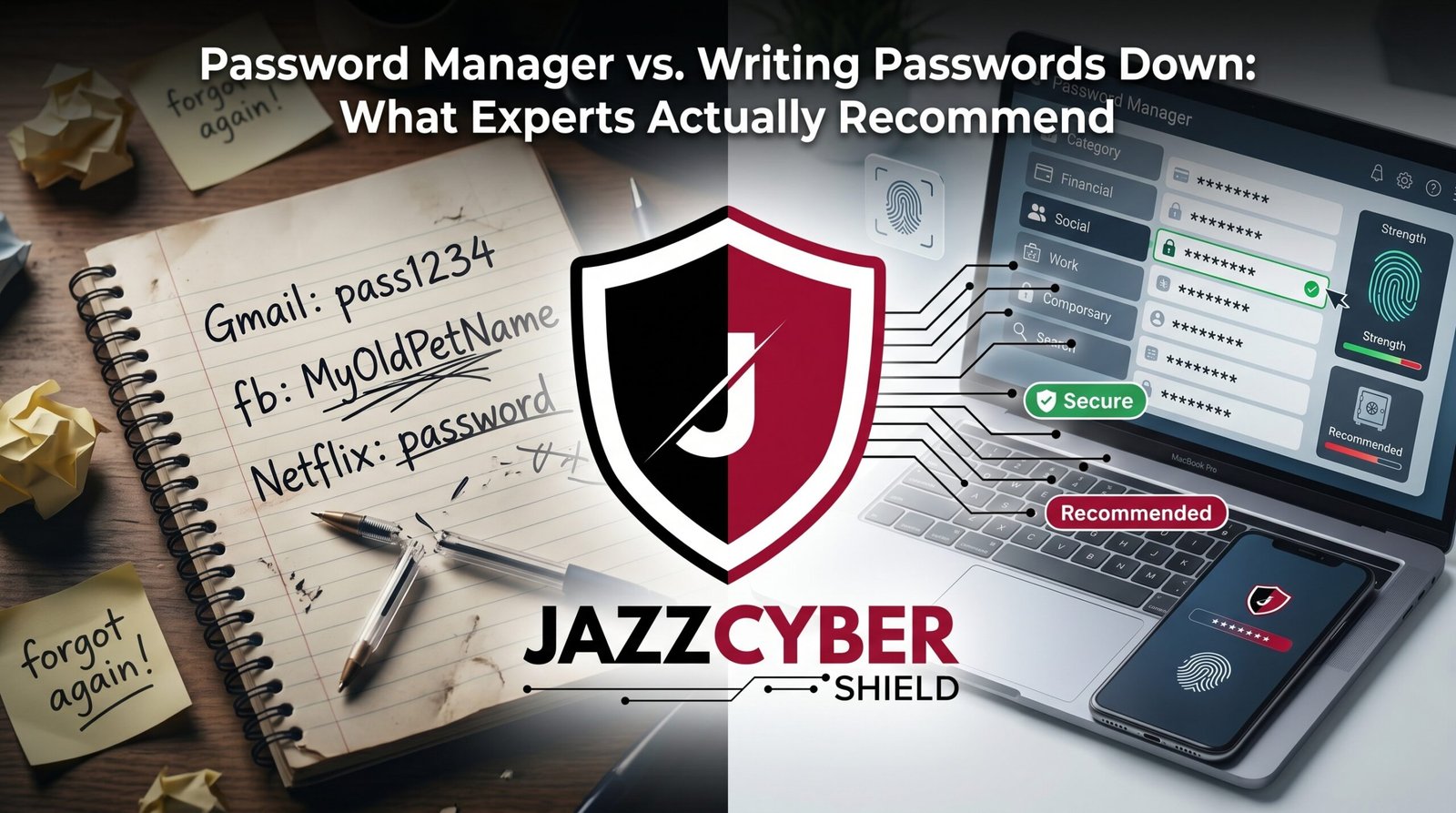
The Notebook in Your Desk Drawer Might Be Smarter Than You Think
The password manager debate has a clear answer once you separate internet myths from what security experts actually recommend.
For years, the advice was simple: never write your passwords down. Memorize everything. A written password is a security disaster waiting to happen.
Then something changed. Security researchers, including those at major tech companies, started saying the opposite. A password written on paper, kept in a locked drawer at home, might actually be safer than the password you’ve been reusing across twelve different websites because it’s the only one you can remember.
This isn’t a simple question with an obvious answer — and that’s exactly why so much bad advice circulates online. The real comparison isn’t “password manager good, paper bad.” It’s about understanding the actual threats each method protects against and which one fits your specific situation.
This guide breaks down exactly what security experts recommend, why the old advice about paper passwords was incomplete, and how to choose the right approach for your accounts.
Table of Contents
The Scale of Password-Related Breaches in 2026
Password problems remain the single largest entry point for account compromises, and the numbers prove it year after year.
Over 12 billion stolen username and password combinations circulate on dark web marketplaces today. The vast majority of these breaches trace back to one root cause: password reuse. One site gets breached, and suddenly every other account using that same password is exposed too.
The password manager versus memorization debate exists because memorization simply doesn’t scale. The average person maintains 100+ online accounts. No human can securely memorize 100 unique, complex passwords — which is exactly why password reuse became the default behavior for most internet users.
⚠️ ALERT: Verizon’s Data Breach Investigations Report consistently finds that stolen or weak credentials remain among the top initial access methods in confirmed breaches year after year. The problem isn’t going away — it’s the predictable result of asking human memory to do something it fundamentally can’t do at scale.
This is the real context for the password manager debate. It’s not about convenience versus security. It’s about finding a system that actually works with how human memory functions, rather than fighting against it.
Password Manager vs Paper: The Real Comparison
Let’s settle the actual security question directly, threat by threat.
PASSWORD MANAGER VS WRITING PASSWORDS DOWN
━━━━━━━━━━━━━━━━━━━━━━━━━━━━━━━━━━━━━━━━━━━━━━━━━━━━
THREAT                    │ PASSWORD MANAGER │ PAPER NOTEBOOK
━━━━━━━━━━━━━━━━━━━━━━━━━━━━━━━━━━━━━━━━━━━━━━━━━━━━
Remote hacking            │ Low risk*        │ ZERO risk
Malware/keyloggers        │ Low-Medium risk  │ ZERO risk
Phishing                  │ Low risk         │ Vulnerable
Physical theft/burglary   │ ZERO risk        │ Real risk
Forgetting/losing access  │ Low (cloud sync) │ High if lost
Convenience across devices│ Excellent        │ Poor
Auto-fill / autotype       │ Yes              │ No
Password generation       │ Built-in         │ Manual
Scalability (100+ accounts)│ Excellent        │ Poor
━━━━━━━━━━━━━━━━━━━━━━━━━━━━━━━━━━━━━━━━━━━━━━━━━━━━
*Low risk assumes a reputable, audited password manager with 2FA enabled
Notice what this table actually shows: a password manager and a paper notebook protect against almost entirely different threat categories. Paper is immune to remote hacking because it’s not connected to anything. A password manager is immune to burglary because there’s nothing physical to steal.
🔴 WARNING: The biggest myth in this debate is that writing passwords down is automatically reckless. Security expert and former NSA contractor Edward Snowden, along with several prominent cryptographers, have publicly stated that a password written on paper and stored securely at home is more secure against remote attackers than many digital alternatives — specifically because remote attackers, who represent the vast majority of real-world threats, cannot access a piece of paper in your house.
The real question isn’t “which is more secure in theory.” It’s “which threat model matches your actual life.” Most people face overwhelmingly more risk from remote attackers (hackers, phishing, data breaches) than from someone breaking into their home specifically to steal a password notebook.
Why a Password Manager Wins for Most People
For the vast majority of people, a password manager is the right call — and here’s the actual reasoning, not just the conventional wisdom.
It Solves the Scale Problem
You have far more than a handful of accounts. Email, banking, shopping, streaming, social media, work logins, subscriptions. A password manager generates and stores unique, complex passwords for every single one without asking you to remember any of them except one master password.
It Works Across All Your Devices
Your passwords sync automatically across your phone, laptop, and tablet. You’re never stuck somewhere without access to your accounts because you didn’t bring “the notebook.”
It Auto-Fills, Reducing Phishing Risk
Browser extensions for password managers only auto-fill credentials on the legitimate website domain they were saved for. If you land on a phishing site that looks identical to your bank, the password manager simply won’t auto-fill — a built-in red flag that you’re on a fake site. A notebook offers no such protection; you’ll happily type your password into a convincing fake.
It Generates Genuinely Random, Strong Passwords
Humans are bad at generating randomness. We default to patterns, dates, and names. A password manager generates truly random, long passwords that would take centuries to brute-force — something no person reliably does by hand.
It Flags Reused and Compromised Passwords
Most password managers include a security audit feature that flags weak, reused, or breached passwords across your accounts, prompting you to fix them. A paper notebook gives you no such warning system.
| Feature | Password Manager Provides It? |
|---|---|
| Cross-device sync | ✅ Yes |
| Auto-fill with phishing protection | ✅ Yes |
| Random password generation | ✅ Yes |
| Breach monitoring/alerts | ✅ Yes |
| Works without internet access | ❌ No (most need initial sync) |
| Protected from sophisticated malware | ⚠️ Mostly, with caveats |
We’ve covered this connection before in our broader cybersecurity for beginners guide — a password manager is consistently one of the first tools recommended for anyone starting to take their security seriously.
When Writing Passwords Down Actually Makes Sense
Despite the clear advantages of a password manager for most situations, there are legitimate scenarios where writing passwords down is the smarter, more practical choice.
Your Master Password Itself
This is the one place security experts broadly agree paper has a role. Your password manager’s master password should never exist anywhere digital — not in a text file, not in another app. Write it on paper, store it somewhere secure (a locked drawer, a safe), and never photograph it or type it anywhere except into your password manager.
Recovery Codes and Backup Codes
Two-factor authentication backup codes, account recovery keys, and similar one-time-use credentials are often recommended for offline, physical storage specifically because they’re rarely needed and represent a worst-case recovery path — exactly the scenario where you don’t want to depend on digital access that might itself be compromised.
For People With Specific Threat Models
Someone whose primary concern is a sophisticated remote attacker — a nation-state actor, a determined hacker, a stalker with technical skills but no physical access to your home — may genuinely be safer with critical credentials on paper, completely disconnected from any network.
As a Backup, Not a Primary System
Many security-conscious people use a password manager as their daily system but keep a physical, secured backup of their most critical credentials (master password, key recovery codes) as a fail-safe against losing digital access entirely.
⚠️ ALERT: CISA’s guidance on password security acknowledges that the old blanket advice against writing down passwords created its own problems — driving people toward password reuse, which is demonstrably more dangerous than a properly secured physical backup. The agency’s current recommendation focuses on unique, strong passwords combined with multi-factor authentication, regardless of storage method, rather than a one-size-fits-all rule.
The key word throughout this section is “properly secured.” A sticky note on your monitor is categorically different from a notebook in a locked drawer or home safe. Location and access control matter enormously.
The Worst Password Habits — Worse Than Either Option
Before going further, it’s worth being direct about what’s actually dangerous — because both a well-managed password manager and a properly secured notebook beat these common habits by a wide margin.
Reusing the Same Password Everywhere
This is the single most dangerous habit in password security, full stop. One breach exposes every account using that password. This is more dangerous than either a password manager or a paper notebook done correctly.
Storing Passwords in an Unencrypted Text File
A “passwords.txt” file on your desktop offers none of the protections of a password manager (no encryption, no auto-fill safety) and none of the protections of paper (it’s remotely accessible to any malware on your device).
Sticky Notes on Your Monitor
Visible to anyone who walks past your desk, photographed by a coworker, or seen during a video call. This is the scenario that gave “writing passwords down” its bad reputation — and rightly so.
Using Predictable Patterns
“Summer2026!” or “CompanyName123” feel secure but follow patterns that automated cracking tools specifically test for. This applies whether you’re memorizing it or writing it down.
Sharing Passwords via Text or Email
Sending a password to a coworker or family member via unencrypted text or email leaves a permanent, searchable record that’s far less secure than either storing it in a password manager’s secure sharing feature or writing it on paper and handing it over physically.
How to Choose and Set Up a Password Manager
If you’ve decided a password manager is right for you — which it is for most people — here’s how to choose and set one up correctly.
Top Password Manager Options
| Password Manager | Cost | Best For |
|---|---|---|
| Bitwarden | Free / $10/year premium | Best free option, open-source |
| 1Password | ~$36/year | Best overall UX, family sharing |
| Dashlane | ~$60/year | Built-in VPN, dark web monitoring |
| KeePass | Free | Fully offline, technical users |
| NordPass | ~$36/year | Bundled with NordVPN users |
Setup Steps
- Choose a password manager — Bitwarden is an excellent free starting point for most people
- Create a strong, memorable master password (this is the one password you’ll still need to remember)
- Write your master password on paper and store it securely — this is the one exception worth keeping offline
- Install the browser extension and mobile app
- Import existing passwords from your browser if applicable
- Go through your most important accounts (email, banking) and generate new, unique passwords for each
- Enable two-factor authentication on the password manager itself — this protects your entire vault
Critical: Enable 2FA on the Password Manager Itself
Your password manager becomes a single point of failure if someone compromises it. Enable two-factor authentication on the password manager account itself — most support authenticator apps for this exact reason.
For businesses managing employee credentials at scale, enterprise password manager options like 1Password Business or Bitwarden for Teams add centralized administration, shared vaults, and access revocation when employees leave. Pairing this with proper network-level security — like a business-grade firewall — closes the gap between account-level and network-level protection.
How to Write Passwords Down Safely (If You Must)
If you’re going to use paper for any credentials — your master password, recovery codes, or specific accounts — do it correctly.
Rules for Safely Writing Passwords Down
- Never label what the password is for explicitly. Use a code only you understand, not “Bank of America login” written next to the password.
- Store it somewhere physically secure. A locked drawer, a home safe, or a fireproof document box — not a desk drawer anyone can open.
- Never photograph it. A photo on your phone defeats the entire purpose, since it becomes accessible to anyone who compromises your phone or cloud photo backup.
- Don’t carry it with you. Keep it at home, not in your wallet or bag, where it can be lost or stolen alongside your ID.
- Update it when you change the password. An outdated written password creates false confidence and confusion during recovery.
- Consider splitting sensitive information. Some security-conscious people write the password structure in one location and a critical modifier (like a memorized suffix) that’s never written anywhere.
This approach works specifically for a small number of truly critical credentials — your password manager’s master password and account recovery codes. It is not a practical system for managing 100+ everyday account passwords.
How to Protect Yourself: Step-by-Step
Here’s the practical action plan combining the best of both approaches.
- Install a password manager today — Bitwarden (free) takes about 15 minutes to set up and import your existing passwords.
- Create one strong, unique master password — Use a long passphrase you can actually remember, like four random unrelated words strung together.
- Write your master password down and store it securely — A locked drawer or home safe, never digitally, never photographed.
- Go through your accounts systematically — Start with email and banking, generate unique passwords for each using the password manager’s built-in generator.
- Enable two-factor authentication on your password manager account — This protects your entire vault from being the single point of failure.
- Print or write down your two-factor authentication backup codes — Store these alongside your master password backup, securely offline.
- Run your password manager’s security audit — Most flag weak, reused, or breached passwords automatically. Fix the flagged accounts first.
- Never use sticky notes or unencrypted text files — These offer the worst of both approaches with none of the protections of either.
- For business credentials, use an enterprise password manager — Bitwarden for Teams or 1Password Business provide centralized control and instant access revocation when employees leave.
- Review your setup annually — Update your master password backup if you change it, and re-audit your stored passwords periodically.
For additional context on building your broader security foundation, our cybersecurity for beginners guide and our guide on setting up two-factor authentication cover the complementary steps that work alongside whichever password storage method you choose.
Quick Reference Checklist
Use this to put the right system in place for your specific situation.
PASSWORD MANAGER VS PAPER — DECISION CHECKLIST
━━━━━━━━━━━━━━━━━━━━━━━━━━━━━━━━━━━━━━━━━━━━━━━━━

CHOOSE A PASSWORD MANAGER IF:
[ ] You have 10+ online accounts to manage
[ ] You use multiple devices (phone, laptop, tablet)
[ ] You want auto-fill and phishing protection
[ ] You want automatic breach/weak password alerts
[ ] You're comfortable with one strong master password

USE PAPER ONLY FOR:
[ ] Your password manager's master password
[ ] Two-factor authentication backup/recovery codes
[ ] Critical accounts in an extreme remote-threat scenario
[ ] As a secured backup, not your primary system

NEVER DO EITHER OF THESE:
[ ] Reuse the same password across multiple accounts
[ ] Store passwords in an unencrypted text file
[ ] Use sticky notes visible at your desk
[ ] Photograph written passwords with your phone
[ ] Email or text passwords in plain text

SETUP STEPS
[ ] Password manager installed (Bitwarden, 1Password, etc.)
[ ] Master password created and written down securely
[ ] Two-factor authentication enabled on the password manager
[ ] Existing passwords imported and audited
[ ] Weak/reused passwords identified and changed
[ ] Backup codes stored securely offline

━━━━━━━━━━━━━━━━━━━━━━━━━━━━━━━━━━━━━━━━━━━━━━━━━
Frequently Asked Questions
Q: Is it really safer to write down a password than to use a password manager?
A: It depends entirely on the threat. Writing passwords down is safer against remote hackers, since paper can’t be hacked over the internet — but it’s far less convenient, doesn’t scale past a handful of accounts, and is vulnerable to physical theft or loss. A password manager is safer against the threats most people actually face day to day: phishing, data breaches, password reuse, and credential stuffing. For most people, a password manager wins overall, but using paper specifically for your master password is a smart hybrid approach that many security experts recommend.
Q: What if my password manager gets hacked?
A: Reputable password managers use zero-knowledge encryption, meaning the company itself cannot read your stored passwords even if their servers are breached — your data is encrypted with a key derived from your master password, which they never see. This is why choosing your master password carefully and enabling two-factor authentication on your password manager account matters enormously. No major reputable password manager breach has resulted in users’ actual vault contents being decrypted and exposed, though phishing attacks targeting the master password itself remain the primary risk.
Q: Should businesses use a password manager or rely on employees managing their own passwords?
A: Businesses should absolutely deploy an enterprise password manager rather than leaving password management to individual employee habits. Tools like 1Password Business or Bitwarden for Teams provide centralized administration, shared vaults for team credentials, and — critically — instant access revocation when an employee leaves the company. Relying on individual habits means no visibility into weak or reused passwords across your organization and no way to immediately cut off access when someone departs.
Q: Can I use both a password manager and writing passwords down at the same time?
A: Yes, and many security professionals recommend exactly this hybrid approach. Use a password manager as your daily-driver system for the vast majority of accounts, while keeping your master password and any critical recovery codes written down and securely stored offline as a backup. This combines the convenience and scale of digital management with a fail-safe that doesn’t depend on any single point of digital failure.
Q: What’s the biggest password mistake people make regardless of storage method?
A: Password reuse, by a significant margin. Whether you memorize, write down, or digitally store your passwords, using the same password across multiple accounts means one breach compromises everything connected to that password. This single habit causes more account takeovers than any storage method debate. Fix this first, regardless of which system — password manager or paper — you ultimately choose.
Conclusion
The password manager versus writing passwords down debate isn’t actually a contest with one universal winner. It’s a question of matching the right tool to the right threat. A password manager handles the scale and convenience problem that memorization simply cannot solve, while a properly secured piece of paper has a legitimate, expert-recommended role for your single most critical credential — your master password.
The mistake that actually hurts people isn’t choosing paper or choosing digital. It’s password reuse, unencrypted text files, and sticky notes in plain view. Fix those first, regardless of which primary system you choose.
Install a password manager today if you haven’t already. Bitwarden’s free tier takes fifteen minutes to set up and immediately puts you ahead of the overwhelming majority of internet users still reusing the same handful of passwords everywhere. And if you’re securing this at a business level, pair strong credential management with real network protection — browse our firewall collection to close the gap between account security and network security.
Related Reading
- Cybersecurity for Beginners: Everything You Need to Know in 2026
- How to Set Up Two-Factor Authentication on Every Account You Own
- Router Settings You Must Change Right Now
- The Hidden Danger of Public WiFi in 2026
- Why Small Businesses Close After a Cyberattack

