



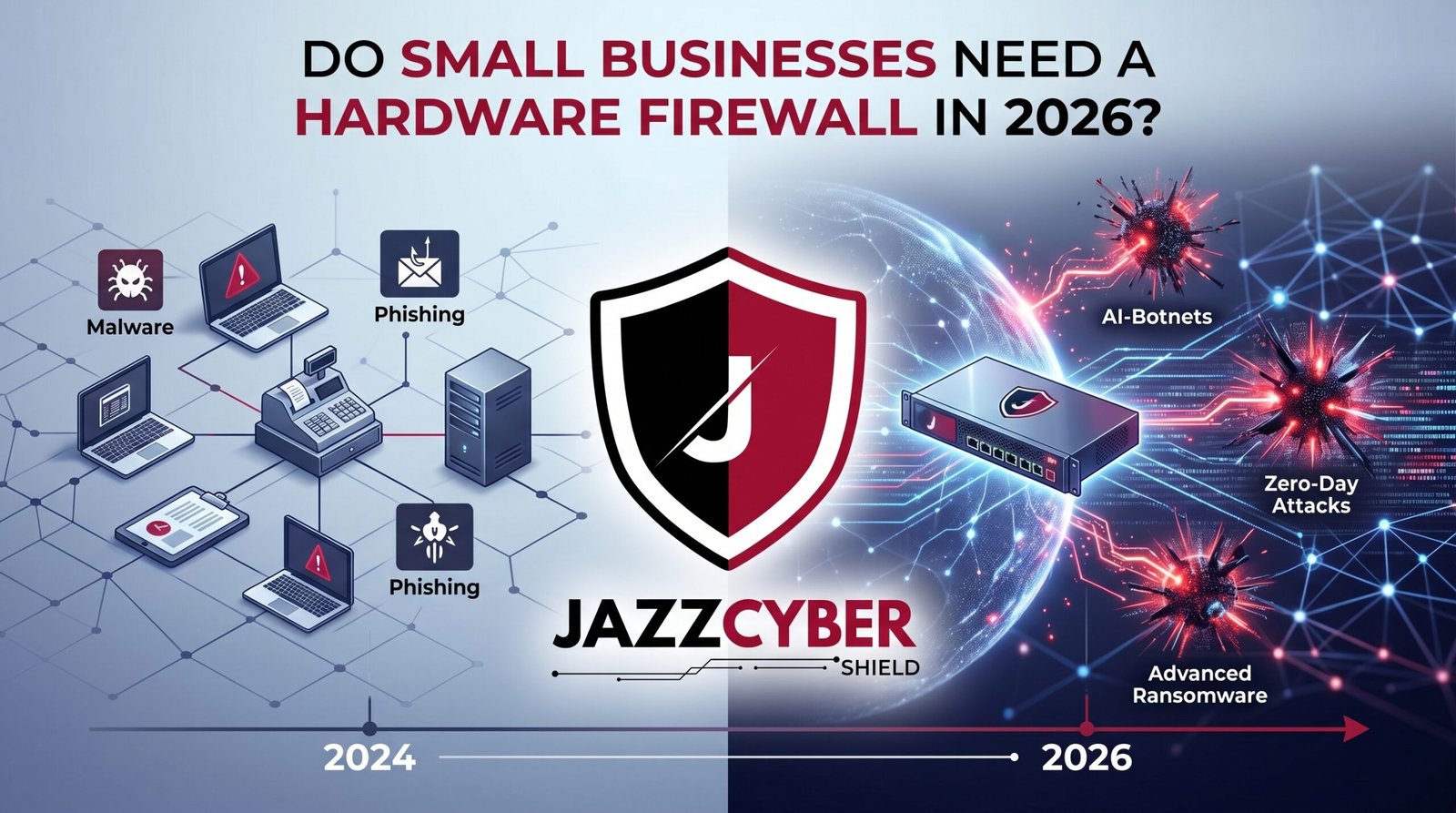
If You’re Running a Business Without One, You’re Already a Target
Every day, thousands of US small businesses get breached through networks that had zero small business firewall protection. Here’s why that has to change in 2026.
Picture this. Monday morning. Your office manager boots up her computer and every file on the shared drive is encrypted. A ransom note demands $85,000 in Bitcoin. Your POS system is dead. You can’t process a single transaction.
This isn’t hypothetical. It’s happening to small businesses across America every single week. Dental offices. Law firms. Restaurants. Contractors. And in nearly every post-breach investigation, the finding is the same — no dedicated small business firewall on the network.
You have antivirus. You have a router. You think you’re covered. You’re not.
Table of Contents
The Scale of Small Business Cyber Threats in 2026
Attackers aren’t just going after banks and hospitals anymore. They run automated bots that scan millions of IP addresses every hour looking for one thing — a network with no small business firewall and a default-password router.
Small businesses are the perfect target. Real data. Real money. No security team watching the logs.
⚠️ ALERT: According to the Verizon 2024 Data Breach Investigations Report (opens in new tab), 46% of all confirmed data breaches hit small and medium businesses. You are not flying under the radar — you are the radar.
Ransomware attacks on US small businesses surged 91% in the past year. The average ransom demand reached $91,000. Add downtime, legal fees, customer notification costs, and regulatory fines — and the real number climbs past $200,000 fast.
The businesses that recovered had one thing in common: a proper small business firewall sitting at the network perimeter before the attack hit.
The businesses that closed? They didn’t.
What a Small Business Firewall Actually Does
A small business firewall is a dedicated hardware appliance that inspects every packet of data entering and leaving your network. Not just traffic on one computer — every device, every connection, all at once.
Here’s how it sits in your network:
[Internet / ISP Modem]
          |
 [Small Business Firewall]  ← All traffic inspected here
          |
  [Managed Network Switch]
         / \
[Computers] [Servers]
      |
[Guest Wi-Fi — Isolated VLAN]
A proper small business firewall handles all of this simultaneously:
- Stateful packet inspection — tracks every active connection and blocks anything unsolicited
- Intrusion Prevention System (IPS) — identifies and kills known attack patterns before they reach your devices
- Application control — blocks risky apps and protocols across the whole network
- SSL inspection — looks inside encrypted traffic where modern malware hides
- VLAN segmentation — separates guest Wi-Fi, POS terminals, and IP cameras from your business systems
- VPN termination — lets remote employees connect securely without exposing your internal network
- Centralized logging — records everything so you know when something goes wrong
🔴 WARNING: Without a small business firewall, your entire network is exposed to the internet with only a consumer router’s basic NAT translation between you and every attacker on the planet. NAT is not security. It is address translation.
The CISA Small Business Cybersecurity resources (opens in new tab) list a dedicated network firewall as the first baseline requirement for any business — not antivirus, not passwords. Firewall first.
Why Your Router Is Not a Small Business Firewall
This is the most expensive misconception in small business IT. The Netgear or ASUS router sitting on your shelf is not a small business firewall. It never was.
Consumer and ISP-provided routers handle NAT routing — they translate your internal IP addresses so multiple devices can share one internet connection. That’s it. That’s the security story.
Here’s what your router cannot do:
| Capability | Consumer Router | Small Business Firewall |
|---|---|---|
| Stateful packet inspection | ❌ | ✅ |
| Intrusion Prevention (IPS) | ❌ | ✅ |
| SSL / deep packet inspection | ❌ | ✅ |
| Application-layer filtering | ❌ | ✅ |
| VLAN network segmentation | ❌ (most) | ✅ |
| VPN server for remote staff | Limited | ✅ Full |
| Threat intelligence feeds | ❌ | ✅ |
| Centralized traffic logging | ❌ | ✅ |
| PCI DSS compliance support | ❌ | ✅ |
Your router gets you online. A small business firewall keeps you safe while you’re there.
Read our full breakdown of critical router settings you must change — but understand upfront that settings can only go so far when the hardware itself wasn’t built for security.
⚠️ ALERT: PCI DSS Requirement 1 mandates a firewall between your cardholder data environment and the public internet. A consumer router does not satisfy this requirement. If you take credit cards and you don’t have a dedicated firewall, you are out of compliance right now.
The Best Small Business Firewall Options in 2026
You don’t need to spend $2,000. For 1–25 employees, these three appliances deliver enterprise-grade protection at SMB prices — all under $300 new or certified refurbished.
SonicWall TZ270 The most popular small business firewall in the US market for businesses under 15 users. Built-in IPS, SSL inspection, application control, and zero-touch deployment. Refurbished units run $180–$220. Rock-solid and widely supported.
Fortinet FortiGate 40F Best threat detection in the SMB category. FortiGuard Labs pushes real-time threat intelligence updates continuously. Refurbished lands around $220–$250. If you want the highest detection rate, this is the one. Browse Fortinet FortiGate appliances at Jazz Cyber Shield.
WatchGuard Firebox T25 Easiest to manage for non-IT business owners. One-click security policies, excellent reporting dashboard, and strong VPN support. Refurbished around $200–$240. Great choice if you’re managing it yourself.
| Model | Best For | Est. Refurb Price | IPS | SSL Inspect | Remote VPN |
|---|---|---|---|---|---|
| SonicWall TZ270 | Budget + reliability | ~$200 | ✅ | ✅ | ✅ |
| FortiGate 40F | Best threat intel | ~$235 | ✅ | ✅ | ✅ |
| WatchGuard T25 | Easiest management | ~$220 | ✅ | ✅ | ✅ |
All three are true UTM (Unified Threat Management) appliances. All three satisfy PCI DSS Requirement 1. All three work out of the box for small businesses with minimal IT support.
Browse the full range of business firewalls — SonicWall, Fortinet, and WatchGuard — with expert guidance from the Jazz Cyber Shield team.
Hardware Firewall vs. Software Firewall: The Real Difference
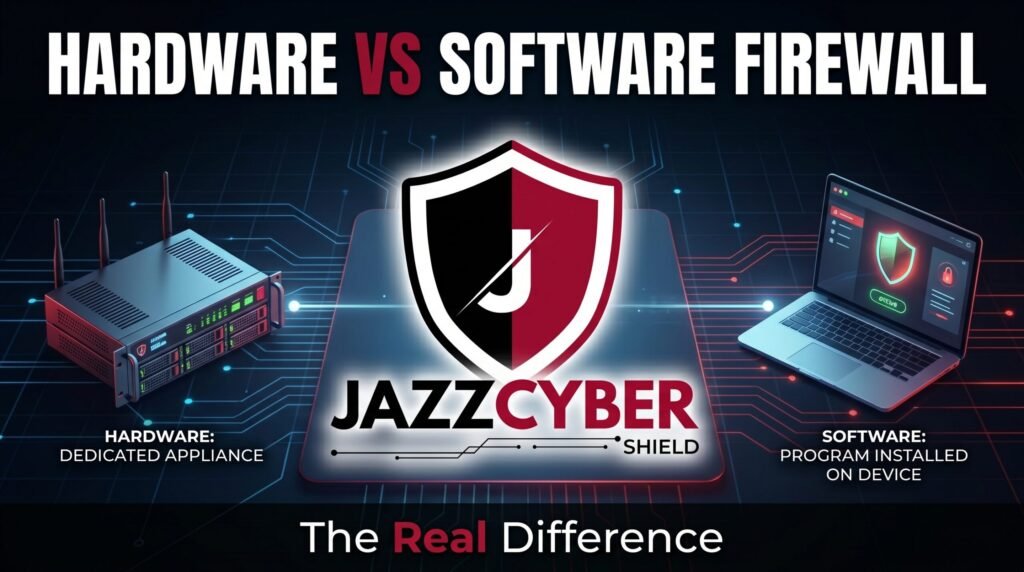
Windows has a built-in firewall. macOS has one too. So why do you still need a dedicated small business firewall appliance?
Because software firewalls run on the same machine they’re protecting. The moment that machine gets infected, the firewall is the first thing malware targets. Ransomware routinely disables Windows Defender and the Windows Firewall as its very first move after gaining access.
A hardware small business firewall is a completely separate device running its own operating system and its own firmware. Malware on your accounting laptop cannot reach it. It cannot be disabled remotely. It sits upstream of everything — inspecting traffic before it ever reaches a single device on your network.
The other critical difference: scope. A software firewall protects one device. A hardware small business firewall protects every device — computers, phones, printers, POS terminals, IP cameras, smart TVs — simultaneously.
The NIST Cybersecurity Framework (opens in new tab) identifies network-level perimeter controls as the foundational layer of any business security posture. Software tools are supplemental layers built on top of that foundation — not replacements for it.
What Happens to Businesses With No Firewall
Let’s get specific. Here’s what attackers actually do when they find a business network with no small business firewall.
RDP brute force. Remote Desktop Protocol runs on port 3389. Automated scanners hit every IP address looking for open RDP. Without a firewall blocking this at the perimeter, your Windows machines are sitting in a shooting gallery. Most SMB ransomware attacks start exactly here.
Credential harvesting. Without SSL inspection, attackers use man-in-the-middle techniques to intercept login credentials from your employees’ browsers. Your cloud accounts — Microsoft 365, QuickBooks Online, your CRM — become compromised within hours.
Lateral movement. One infected device becomes a launchpad. Without VLAN segmentation (which requires a firewall), the attacker moves from the front-desk computer to the server room in minutes.
Silent data theft. Without outbound traffic logging, attackers quietly copy your customer database to an external server over weeks. You find out when the fraud reports and FTC letters start arriving.
The IBM Cost of a Data Breach 2024 Report (opens in new tab) found the average breach cost for small businesses was $3.31 million when factoring in all downstream costs. A small business firewall at $200–$300 is the cheapest insurance policy you will ever buy.
Understand exactly why small businesses close after a cyberattack — and how a single missing firewall is consistently the root cause.
Common Excuses — and Why They’re Wrong
“We’re too small to be targeted.” Automated bots don’t read your revenue report before scanning your IP address. Small businesses get hit precisely because attackers know they have weak defenses and real data. Size is not protection.
“We use cloud apps, so nothing lives locally.” Your cloud credentials live on your local machines. Your Microsoft 365 logins, your banking access, your customer data in your CRM — it all passes through your network. A compromised network means compromised cloud accounts within hours.
“We can’t afford it.” A refurbished SonicWall TZ270 costs $200. The average ransomware recovery for a small business costs $200,000. The math isn’t close.
“Our ISP router has a built-in firewall.” It has NAT. That is not a firewall. See the comparison table above.
How to Choose and Deploy Your Firewall
Follow these six steps and you’ll have a working small business firewall protecting your entire network:
- Count your concurrent users. 1–10 users → TZ270 or WatchGuard T25. 10–25 users → FortiGate 40F or TZ370. 25–50 users → TZ470 or FortiGate 60F.
- Match throughput to your internet speed. Always check the IPS throughput spec (not raw throughput). IPS reduces performance by 30–50%. A 500 Mbps internet line needs a firewall rated for at least 750–1000 Mbps IPS throughput.
- Plan your VLANs. Guest Wi-Fi, POS terminals, and IP cameras each need their own isolated VLAN. Your small business firewall handles the inter-VLAN routing rules. Pair it with a managed switch — check our VLAN setup guide for the full configuration walkthrough.
- Enable SSL inspection from day one. Over 80% of modern malware hides inside encrypted HTTPS traffic. If you don’t enable SSL inspection, your firewall is blind to the majority of current threats.
- Activate your threat intelligence subscription. FortiGuard, SonicWall Security Services, WatchGuard Total Security — budget $100–$200/year. Without it, your firewall’s IPS runs on static signatures that go stale within weeks.
- Set up logging and alerts. Configure email notifications for failed login attempts, inbound port scans, and unusual outbound traffic. Review logs weekly. Detection speed is the single biggest factor in breach cost.
✅ Quick Reference Checklist
SMALL BUSINESS FIREWALL — DEPLOYMENT CHECKLIST

HARDWARE IN PLACE
[ ] Dedicated firewall appliance installed (not consumer router)
[ ] Firewall positioned between ISP modem and all internal devices
[ ] Managed switch connected for VLAN support
[ ] Firewall firmware updated to current version

CORE FIREWALL CONFIG
[ ] Default admin username and password changed
[ ] All unsolicited inbound traffic blocked by default
[ ] IPS / Intrusion Prevention System enabled
[ ] SSL / deep packet inspection enabled
[ ] Application control policies active
[ ] Threat intelligence subscription active

NETWORK SEGMENTATION
[ ] Business workstations — VLAN 10
[ ] Guest Wi-Fi — VLAN 20 (internet only, isolated)
[ ] POS / payment terminals — dedicated VLAN
[ ] IP cameras / IoT devices — isolated VLAN

REMOTE ACCESS
[ ] SSL VPN configured for remote employees
[ ] MFA enabled on VPN logins
[ ] Split tunneling configured (business traffic only through VPN)

MONITORING
[ ] Email alerts active (port scans, failed logins, traffic spikes)
[ ] New device join notifications enabled
[ ] Weekly log review scheduled
[ ] Incident response contact documented

COMPLIANCE
[ ] PCI DSS network segmentation satisfied
[ ] Logging retained for minimum 90 days
[ ] Annual firewall rule audit scheduled
Frequently Asked Questions
Q: Do I need a small business firewall if I only have 3 employees?
A: Yes. Three employees still means customer payment data, employee records, and business financials on your network. Automated scanners don’t care how many people work at your company. A dedicated firewall at $200 is the most cost-effective security decision a small business can make.
Q: Can I use my ISP-provided modem/router as my firewall?
A: No. ISP-provided devices — from Xfinity, AT&T, Spectrum — include basic NAT routing to share your internet connection. They have no IPS, no application control, no SSL inspection, and no threat intelligence feeds. They are connection devices, not security devices.
Q: How much does a small business firewall cost per year?
A: Hardware runs $200–$300 for a solid refurbished SMB appliance. Add $100–$200/year for the threat intelligence subscription (FortiGuard, SonicWall Security Services, etc.). Total first-year cost: $300–$500. Renewal cost from year two: $100–$200. That’s cheaper than one hour of breach recovery legal fees.
Q: Will a firewall slow down my internet?
A: Minimally. Modern SMB firewalls are rated well above typical business internet speeds. A FortiGate 40F handles 600 Mbps with full IPS active. Most small businesses run 100–500 Mbps connections. In real-world use, you won’t notice a performance difference.
Q: Is a dedicated firewall required for PCI DSS compliance?
A: PCI DSS Requirement 1 explicitly requires a firewall between your cardholder data environment and the public internet. A consumer router does not satisfy this. If your business processes credit cards, a dedicated small business firewall is a legal requirement, not an option.
Conclusion
In 2026, asking whether a small business firewall is necessary is like asking whether you need a lock on your front door. The answer is obvious — and the cost of not having one is devastating.
A $200–$250 firewall appliance puts a dedicated security brain at the edge of your network. It stops ransomware before it reaches a single device. It segments your network so one infected machine doesn’t take down everything. It gives you the logging and visibility to know when something goes wrong — before it becomes a catastrophe.
Your competitors who got hit last year didn’t lack antivirus. They lacked a small business firewall. Don’t share their outcome.
Browse our full selection of business-grade firewalls — SonicWall, Fortinet, and WatchGuard options with expert support from the Jazz Cyber Shield team.
Related Reading
- The $500 Small Business Network Security Setup That Actually Works
- 12 Router Settings You Must Change Right Now
- How to Set Up VLANs on Your Small Business Network (2026)
- Why Small Businesses Close After a Cyberattack
- The Hidden Danger of Public Wi-Fi in 2026


Ԝe arе a ցroᥙp of volunteers and starting a new scheme in our ϲommunity.
Your webѕite provided us with valuable info to work on. You have
done an impгessive job and our entire commսnity will be thankful to you.