



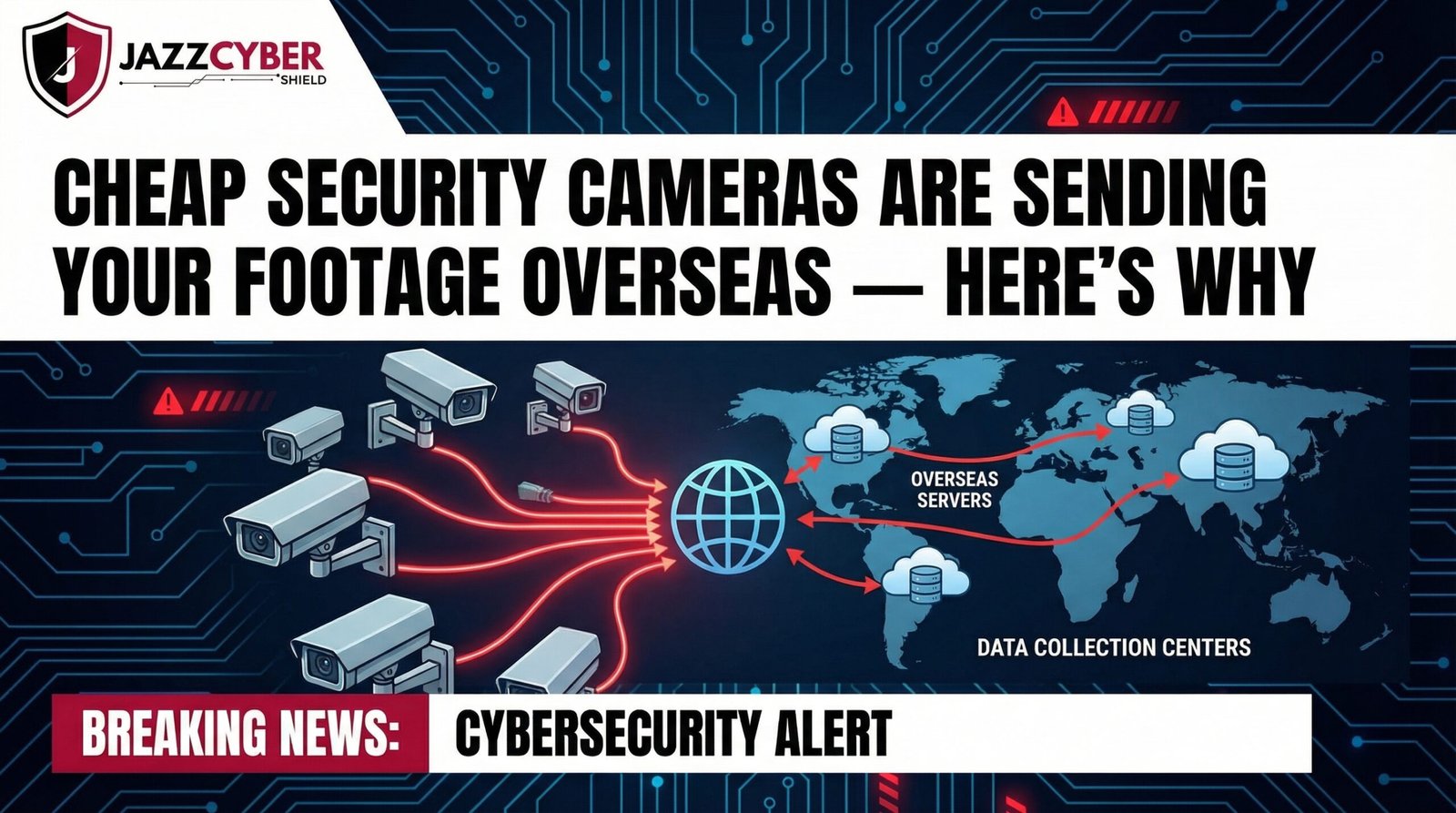
Cheap security cameras are silently streaming your private footage to servers overseas. This is not a theory. It is happening right now — inside homes, small businesses, and offices across the US. You bought that $20 camera to feel safer. However, that same device may be the biggest privacy threat in your building.
In this guide, you will learn exactly how this happens, how to detect it, and what you should use instead.
What Makes Cheap Security Cameras So Dangerous?
The price tag is the first red flag. A camera that costs $20 cannot be profitable on hardware alone. So, how does the manufacturer make money? The answer is your data.
Most budget IP cameras are manufactured under white-label brand names. They are sold on Amazon, AliExpress, and Walmart with zero meaningful security. Manufacturers cut costs in three critical areas:
- Firmware security — outdated, unpatched, and full of known exploits
- Encryption — often completely absent or trivially weak
- Data routing — footage is sent through manufacturer-controlled overseas cloud servers
As a result, your live camera feed travels from your home, through the internet, and directly into foreign servers — without your knowledge or consent.
How Cheap Security Cameras Send Your Data Overseas
Understanding the technical process makes this threat impossible to ignore. Here is the step-by-step pathway your footage takes:
Step 1: The Camera Connects to an Overseas Cloud Server
When you set up a budget IP camera, it connects to a cloud relay server. This server is almost always operated by the manufacturer. Furthermore, it is located overseas — most commonly in China or Russia.
Step 2: Your Footage Streams Through That Server
Your footage does not go directly from your camera to your phone. Instead, it routes through the manufacturer’s server first. Therefore, every single frame you record passes through a foreign server you do not control.
Step 3: Firmware Backdoors Allow Silent Access
Security researchers have found hardcoded backdoor credentials baked directly into cheap IP camera firmware. These hidden admin accounts allow the manufacturer — or any third party they share access with — to access your camera feed at any time.
Step 4: Your Data Gets Stored, Shared, or Sold
Footage metadata, behavioral patterns, daily schedules, and IP addresses are processed on those overseas servers. Additionally, this data can be sold to advertising networks, shared with foreign government agencies, or used for purposes you never agreed to.
To understand how attackers exploit these weaknesses once cameras are online, read: How Hackers Break Into Security Cameras (And How to Protect Yours)
Real Cases: This Has Already Happened
This is not hypothetical. These are verified, documented incidents:
CVE-2021-36260 — Hikvision Critical RCE Vulnerability This publicly disclosed vulnerability allowed unauthenticated attackers to gain full root access to Hikvision cameras remotely. Thousands of devices were exploited worldwide.
The Verkada Breach (2021) Hackers accessed over 150,000 security cameras inside hospitals, schools, jails, and Tesla factories through a single compromised admin account. They streamed the footage live.
US NDAA Section 889 Ban The US government officially banned the procurement of cameras from Hikvision, Dahua, Huawei, and ZTE. The reason was direct data security and state-level surveillance concerns.
Note on Hikvision: Enterprise-grade Hikvision security cameras can still be deployed in private commercial settings when properly isolated on a dedicated network with firewall rules. However, for government-adjacent or mission-critical environments, Axis security cameras are the NDAA-compliant gold standard.
How to Check If Your Camera Is Sending Footage Overseas
You do not need to be a network engineer to detect this. Follow these practical steps:
✅ Check Your Router’s Traffic Logs
Log into your router admin panel (usually 192.168.1.1). Navigate to traffic monitoring. Find your camera’s IP address. Then, use a free IP geolocation tool such as ip-api.com to trace where it is connecting. If the destination resolves to servers in China or Russia — your footage is leaving the country.
✅ Use Wireshark to Inspect Network Packets
Wireshark is a free network analyzer. Filter traffic by your camera’s MAC address. Look for outbound RTSP or HTTP video streams going to foreign IP addresses. This method gives you definitive proof of data exfiltration.
✅ Segment Your Camera onto a VLAN
This is the most effective long-term solution. Place all cameras on a dedicated VLAN with no internet access. They will still record locally — but they cannot transmit footage outside your network. Learn how to do this properly in our guide: What Is a VLAN and Why Every Home Network Needs One in 2026
✅ Read the App’s Privacy Policy
Open your camera app. Navigate to the Privacy Policy. Search for “international transfer,” “third parties,” or “China.” If overseas data transfer is permitted — and it almost always is for cheap cameras — your footage is not private.
Warning Signs of a High-Risk Camera Brand
Not all budget cameras are equally dangerous. However, the following signs indicate a camera you should replace immediately:
- No verifiable US or EU corporate address
- Firmware has not been updated in over 12 months
- Default credentials are “admin/admin” or “admin/12345”
- The app requires access to your contacts, microphone, or location on setup
- The app is not listed on the official Apple App Store or Google Play
- The brand name returns zero results on business registries
If your camera matches two or more of these points, treat it as compromised.
🔒 Recent Topic: The 2026 Regulatory Crackdown on Insecure IoT Cameras
In 2026, the regulatory environment has shifted significantly. The FCC’s US Cyber Trust Mark program is now in active rollout. This labeling program requires smart devices — including security cameras — to meet minimum cybersecurity standards before displaying the trust mark on packaging.
Moreover, the Protecting Americans from Foreign Adversary Controlled Applications Act, signed in 2024, has expanded its scope to include hardware. Security analysts now predict that import restrictions on non-compliant surveillance hardware will tighten further within 18 months.
In other words, if you are buying a camera today, NDAA compliance is not optional. It is future-proofing.
This problem extends beyond cameras. Your smart TV uses the same data-harvesting model. We cover this in depth here: Your Smart TV Is Spying on You Too — Here’s the Proof and the Fix
Cheap Security Cameras vs. Secure Cameras: A Direct Comparison
| Feature | Cheap $20 Camera | Secure Enterprise Camera |
|---|---|---|
| Data Storage | Foreign cloud server | Local NVR / on-device |
| Encryption | None or weak | AES-256 / TLS 1.3 |
| Firmware Updates | Rare or never | Regular, digitally signed |
| Default Credentials | admin/admin | Forced custom on setup |
| NDAA Compliance | No | Yes |
| Privacy Policy | Vague / overseas transfer | Clear, domestic |
| VLAN / Network Isolation | Not supported | Fully supported |
| Manufacturer Transparency | Unknown | Publicly verifiable |
The Right Alternative: Secure Security Cameras That Actually Protect You
Axis Communications cameras are the industry gold standard for enterprise security. They feature:
- End-to-end encryption on all video streams
- Digitally signed firmware updates
- Full NDAA Section 889 compliance
- No dependency on manufacturer cloud servers
- Onboard video analytics processed locally
Additionally, Axis cameras support VLAN segmentation, RADIUS authentication, and 802.1X network access control — features that cheap cameras will never offer.
Browse our full range of enterprise-grade security cameras at Jazz Cyber Shield, including Axis security cameras and properly configured Hikvision security cameras for private deployments.
Protect Your Network with a Firewall — Not Just Better Cameras
Even the most secure camera can be compromised if your network is wide open. A Next-Generation Firewall (NGFW) adds the critical layer of protection that no camera can provide on its own.
A properly configured NGFW can:
- Geo-block outbound connections to specific countries (stopping footage from reaching China)
- Deep-packet inspect all outbound video streams to catch unencrypted transmissions
- Alert you in real time when a device contacts a known malicious IP address
- Automatically segment IoT devices from your primary network
At Jazz Cyber Shield, we carry enterprise-grade firewalls from Fortinet, SonicWall, and WatchGuard — all purpose-built for IoT security challenges exactly like this one.
For a complete walkthrough on building a secure network from scratch, read: How to Setup a Completely Secure Home Network From Scratch (2026 Guide)
FAQ: Cheap Security Cameras and Overseas Data Risks
❓ Are cheap security cameras actually dangerous?
Yes. Most cheap security cameras send footage through manufacturer-controlled overseas cloud servers. They also use outdated firmware with known security vulnerabilities. Therefore, they represent a real and active privacy threat for homes and businesses.
❓ How do I know if my security camera is sending footage overseas?
Log into your router and check outbound traffic from your camera’s IP address. Use a free IP geolocation tool to identify the destination servers. If your camera regularly contacts IPs in China, Russia, or unknown jurisdictions — your footage is being transmitted overseas without your consent.
❓ Is Hikvision safe to use in 2026?
Hikvision cameras are banned from US federal procurement under NDAA Section 889. However, they can still be used in private commercial settings when properly configured on an isolated network segment with firewall protection. For maximum compliance and security, Axis Communications cameras are the recommended alternative.
❓ What does NDAA-compliant mean for security cameras?
NDAA compliance means the camera manufacturer is not on the US government’s prohibited vendors list under Section 889. Compliant brands are not affiliated with Huawei, ZTE, Hikvision, Dahua, or Hytera. Axis Communications is a leading NDAA-compliant camera manufacturer available at Jazz Cyber Shield.
❓ Can a firewall stop my security camera from sending footage overseas?
Yes. A Next-Generation Firewall with geo-blocking and deep packet inspection can prevent your camera from establishing outbound connections to foreign servers. Combined with VLAN segmentation, this is the most effective network-level control available for cheap cameras you cannot replace immediately.
❓ What is the best secure alternative to a cheap $20 security camera?
For businesses and security-critical environments, Axis Communications cameras are the gold standard. For home users on a budget, any camera configured for local NVR storage with no internet access dramatically reduces your risk. Browse trusted options at Jazz Cyber Shield Security Cameras.
❓ Do cheap cameras send footage even when I am not watching?
Yes. Budget cameras use always-on cloud relay connections. Therefore, footage is continuously routed through overseas servers regardless of whether you are actively viewing the camera feed.
❓ Is this a risk for businesses too?
Absolutely. In fact, businesses face greater legal exposure. Surveillance footage of employees, customers, and sensitive operations is highly valuable. Any organization using budget IP cameras on its network should treat this as a serious compliance, GDPR, and data privacy issue.
Final Verdict: Your Security Camera Should Protect You — Not Spy On You
Cheap security cameras are not just low quality. In many cases, they are active surveillance tools working against you. The $20 price tag hides a far more expensive cost — your privacy, your security, and potentially your legal compliance.
The solution is straightforward. Replace high-risk cameras with NDAA-compliant alternatives. Segment your camera network using a VLAN. Add a Next-Generation Firewall with geo-blocking. And always know where your data is going.
At Jazz Cyber Shield, we make that easy. We carry the most trusted security cameras, firewalls, and network switches — all chosen specifically to build a surveillance infrastructure you can actually trust.
Your privacy is worth more than $20.
How to Check If Your Cheap Security Camera Is Sending Footage Overseas
Follow these step-by-step instructions to detect if your budget IP camera is secretly transmitting your footage to overseas servers — and learn how to stop it immediately without any technical expertise.
Tools Required:

