



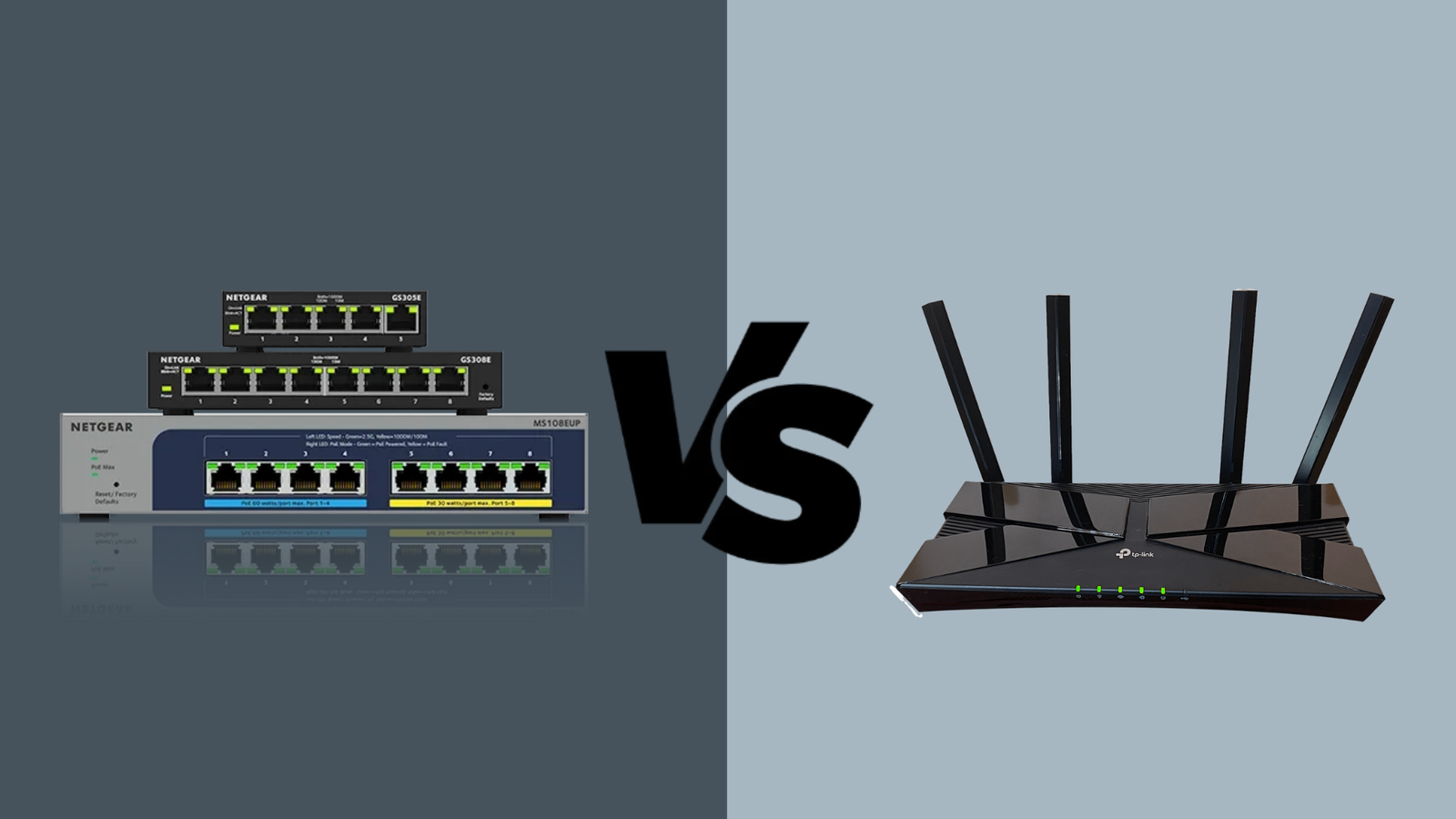
In 2026, network switches vs router differences remain critical for building secure & efficient IT networks. Moreover, businesses keep expanding their use of cloud services, IoT devices & remote work systems. Therefore, gaining clear understanding of how switches & routers work is essential. In this guide, Jazz Cyber Shield breaks down their roles, capabilities & how both devices support modern technology trends.
What Are Network Switches and Routers?
Network switches & routers serve as networking building blocks. However, they perform different roles in data communication.
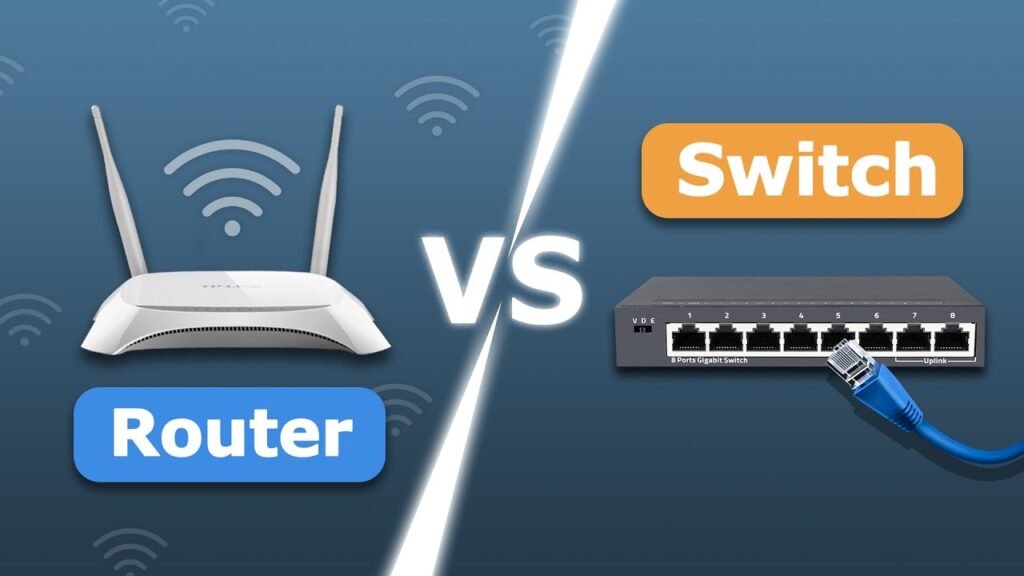
A network switch connects devices inside local network. For example, PCs, printers & servers connect through switches. Meanwhile, router links this internal network to external networks such as the internet. Hence, routers direct traffic beyond local environment.
Therefore, understanding switch vs router functions helps organizations design scalable & secure networks.
What Is a Network Switch?
A network switch is hardware device that forwards your data between the devices within same network. For instance, when computer sends a file to a printer, switch make sure your file reaches its destination. In addition, modern switches supports VLANs (Virtual LANs) to separate traffic securely.
Moreover, network switches improve performance by limiting unnecessary data flow. As a result, systems run faster & with fewer collisions. Therefore, managed switches provide advanced feature such as traffic monitoring, port security & Quality of Service (QoS). Consequently, they are ideal for the business who are looking to optimize performance.
Key Switch Features in 2026:
- High speed ports ( 1G, 10G, 40G, 100G)
- Supports for Power over Ethernet (PoE)
- VLAN segmentation for secure networks
- Bandwidth control & traffic shaping
- Network monitoring & analytics
What Is a Router?
A router serves as connection between a local network & other networks, including the internet. Moreover, routers determine the best path for data to travel between networks using routing tables & algorithms. Because of this, routers plays central role in network traffic management.
In addition, modern routers include robust security features such as firewalls, VPN support, &intrusion detection systems. Consequently, routers protects network from external threats while enabling secure remote access.
Moreover, in 2026, routers are increasingly AI assisted. Therefore, they can automatically adjust settings to improve performance & security.
Key Router Features in 2026:
- Dynamic routing (OSPF, BGP)
- Built in firewall & VPN security
- 5G & Wi-Fi 7 support
- Smart traffic prioritization
- AI based threat detection
Switch vs Router: Core Differences Explained
Although both devices handle network traffic, their purposes differ significantly.
1. Scope of Operation
To start, switch operates inside a LAN (Local Area Network). On other hand, a router bridges multiple networks. Therefore, switches help devices talk inside the company, while routers help networks communicate externally.
2. Traffic Management
Switches use their MAC addresses to forward data to connected devices. Conversely, routers use their IP addresses to determine where data should go across network. Hence, routers are essential for the internet connectivity.
3. Security Role
Switches can limit the internal network access via VLANs & port security. Therefore, routers protect network edge using firewalls, NAT & VPN. Thus, routers are more focused on network perimeter defense.
4. Performance and Scale
Switches improve internal performance by reducing unnecessary traffic between devices. That’s why, router ensure efficient traffic routers between local network & internet. Therefore, both devices are necessary for reliable IT infrastructure.
How Switches and Routers Work Together
In typical IT environments, switches & routers work as a pair. First, internal devices connect to a switch. Then, switch connects to the router. Thus, router sends & receives data from external networks.
Moreover, advanced networks use multiple switches & routers. For example, core switches handle main traffic inside large networks, while edge routers manage external connections & security policies.
Therefore, combining switches & routers creates a flexible, powerful & secure network that scales with business needs.
Importance in Modern IT Networks (2026 Trends)
In 2026, networks must support cloud computing, hybrid work, cybersecurity &AI driven operations. As a result, both switches & routers continue evolving with new capabilities:
Cloud-Ready Connectivity
Modern routers & switches offer optimized paths for cloud services. Because cloud apps are now central to business operations, reliable devices are necessary for consistent performance & uptime.
IoT Integration
Switches support increasing numbers of IoT devices. Meanwhile, routers leverage network segmentation to isolate sensitive systems. Hence, securing IoT traffic remains critical in modern enterprises.
AI & Automation
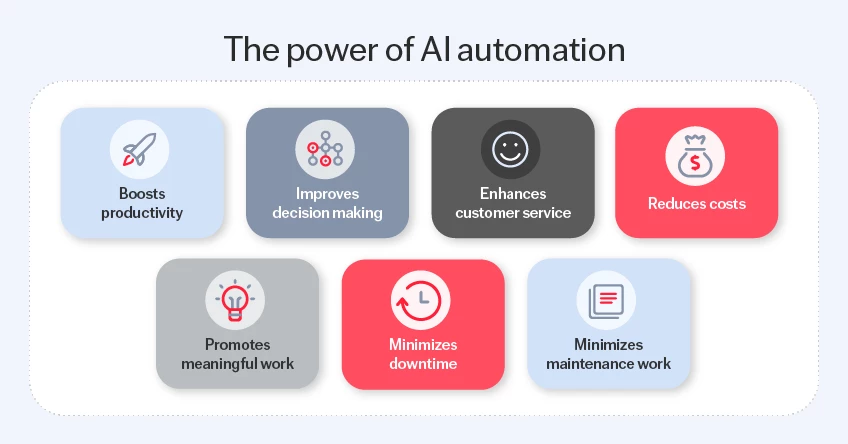
AI in routers can detect unusual traffic & automatically respond to threats. Likewise, switches use telemetry to improve performance without manual configuration.
Remote Workforce Support
With hybrid & remote work now standard, routers provide secure VPN access, & switches help deliver consistent performance to on site users.
Choosing the Right Device for Your Network
When planning your network, consider your business size & use cases.
Small Business
If you are running small office network, a basic router with integrated switch ports might be enough for you. However, if they have many connected devices or heavy workloads, consider it adding a managed switch for their better performance & control.
Medium to Large Enterprise
Large organizations benefit from dedicated switches & enterprise grade routers. In this setup, switches handle internal traffic, while routers secure & manage external connections.
Security-Focused Networks
At Jazz Cyber Shield, we recommend investing in managed switches & next generation routers with built in security features. This approach ensures your network stays protected while scaling with business needs.
Frequently Asked Questions (Important FAQ)
1. Can a router replace a switch?
While many routers include basic switch ports, they cannot fully replace a dedicated network switch in larger or performance intensive networks.
2. Do switches improve network security?
Yes, improve internal security using VLANs, port access control & traffic monitoring, but they don’t replace router level firewalls.
3. Which device is more important for cybersecurity?
Both are important. Switches manage internal traffic safely, but routers are critical for external defense, including firewalls, NAT & VPN.
4. Can modern routers handle AI-driven traffic optimization?
Yes, many routers in 2026 include AI based traffic analysis & threat detection to automatically optimize performance & security.
Conclusion
In 2026, roles of network switches vs router remain essential for building strong, secure & efficient IT networks. While switches manage internal data paths, routers direct traffic beyond the local environment & enforce security policies. With evolving technology demands, organizations must choose the right mix of devices to support cloud services, IoT, hybrid work & advanced cybersecurity.
At Jazz Cyber Shield, we help businesses understand & implement the best network solutions to meet today’s needs & tomorrow’s challenges. Whether you need advice on switches, routers, or full network design, we are here to guide you.

