



If your iPhone is still running an older version of iOS, your personal data, messages, photos, and accounts are at serious risk right now. Apple has released iOS 26.3, an urgent security update that patches a critical zero-day vulnerability already being actively exploited before a fix even existed. This is not a routine update you can postpone. Security researchers are calling it one of the most sophisticated iPhone attacks ever documented, and every iPhone owner needs to act immediately.
What Is a Zero-Day Vulnerability?
Before understanding why this iOS 26.3 security patch is so urgent, it helps to know what a zero-day flaw actually means. A zero-day vulnerability is a security weakness that attackers discover and exploit before the software developer has had any time to create a fix. The name comes from the fact that developers have had zero days to respond. These flaws are especially dangerous because there is no protection available until an official patch is released. Once exploited, they can give attackers complete access to a device without the owner ever knowing anything went wrong.
The Critical Flaw in iOS 26.3 Explained
The most critical fix in iOS 26.3 addresses a serious memory corruption issue in the Dynamic Link Editor, known as dyld. The dyld is a core component of iOS that loads software libraries every time an app is opened. When this component is compromised, an attacker gains a direct path into the operating system itself.
Apple described the exploitation of this flaw as part of an extremely sophisticated attack targeting specific individuals on versions of iOS prior to iOS 26. In practical terms, a successful attacker could install spyware, intercept private communications, steal passwords, and take complete control of a device — all without the victim doing anything to invite the intrusion.
How the Attack Chain Works
Understanding the attack method reveals just how serious this iPhone security flaw is. The first WebKit vulnerability involved an out-of-bounds memory access flaw that could be triggered through a malicious webpage. The second was a use-after-free vulnerability that enabled code execution on the device. By chaining both of these with the dyld memory corruption flaw, attackers created a path to total device control — using the browser as the silent entry point and the system-level flaw to take over the entire operating environment.
Security researchers have noted that this level of technical sophistication closely resembles exploits developed by the commercial surveillance industry — private organizations that build spyware tools and sell them to government and state-level clients. The zero-day flaws were identified by Apple’s own security team working alongside Google’s Threat Analysis Group, which specifically tracks state-sponsored hackers and commercial spyware vendors.
What Else Does iOS 26.3 Fix?
Beyond the headline zero-day, iOS 26.3 delivers a broad range of additional security fixes that make this update even more essential.
Apple patched denial-of-service vulnerabilities in both Bluetooth and Wi-Fi components that allowed a nearby attacker to crash a device using specially crafted wireless packets. Privacy issues in Photos and Contacts resolve, where a person with physical access to a locked device could view sensitive personal information without authorization. Multiple kernel and CoreServices vulnerabilities also address, closing paths that malicious applications could use to gain elevated privileges and access protected data.
Each of these fixes alone would justify updating immediately. Taken together, iOS 26.3 is one of the most significant and comprehensive security releases Apple has issued in recent memory.
Who Is at Risk?
Any device running a version of iOS prior to 26.3 is potentially exposed to vulnerabilities that have already been exploite in the real world. Updating is not about gaining a new feature or interface improvement. It is about removing a live, active pathway that attackers have already demonstrated the ability to use against real devices.
Both WebKit vulnerabilities at the core of this attack chain affect the browser engine behind Safari and every other browser on iOS. This means they can potentially be trigger simply by visiting a malicious website during routine browsing. Everyday online habits have become a direct entry point for targeted surveillance tools.
How to Update Your iPhone to iOS 26.3
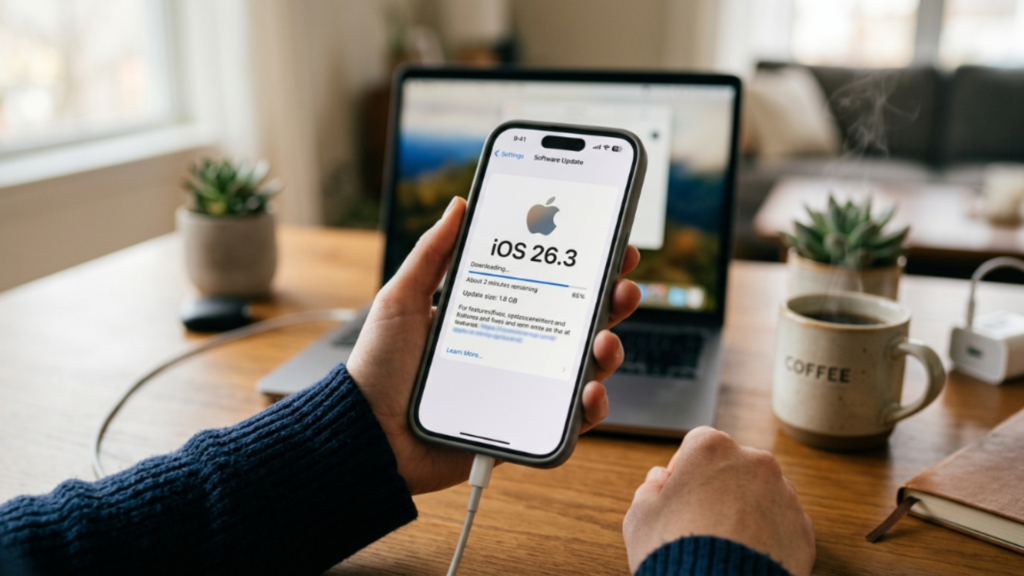
Updating is straightforward and takes only a few minutes. Follow these steps to protect your device immediately.
1 — Back Up Your Device: Before any major update, back up your iPhone to iCloud or a computer to ensure your data is safe.
2 — Connect to Wi-Fi: Software updates are large and be downloaded over a stable Wi-Fi connection.
3 — Open Settings: Navigate to Settings, tap General, then tap Software Update.
4 — Download and Install: If iOS 26.3 appears as an available update, tap Download and Install. Keep your device plugged into power until the process is fully complete.
5 — Enable Automatic Updates: On the same Software Update screen, enable. Automatic Updates so that future critical Apple security patch are applied without delay.
Additional Steps to Strengthen Your iPhone Security
Updating to iOS 26.3 is the single most important action you can take right now. But a few additional security habits will further reduce your risk.
Restart your device regularly, as this can disrupt certain types of persistent threats that rely on staying active in memory. Avoid opening unsolicited links and attachments without first verifying the source with the trusted sender directly. Be aware that Apple will never send notifications asking. You to click links, install apps, or provide your Apple ID password or verification codes. Any message claiming otherwise is a phishing attempt.
Conclusion
The iOS 26.3 update is not a background maintenance release. It is Apple’s direct response to a critical zero-day iPhone vulnerability. The attack chain involved ranks among the most technically advanced ever documented on a mobile platform. And the window of exposure for every unpatched device remains open right now. Update your iPhone today. It is the single most important step you can take to protect your data, your privacy, and your personal security.

